
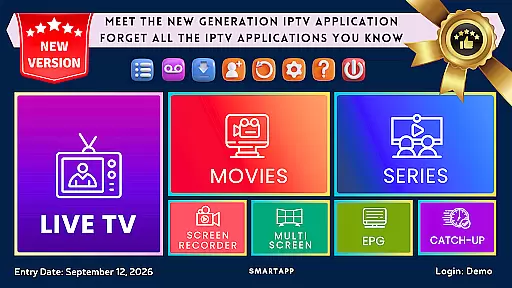
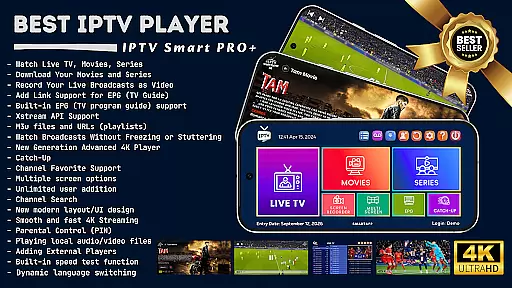
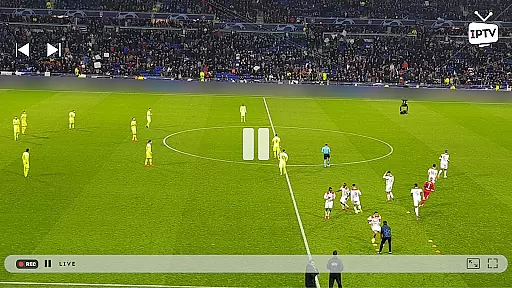

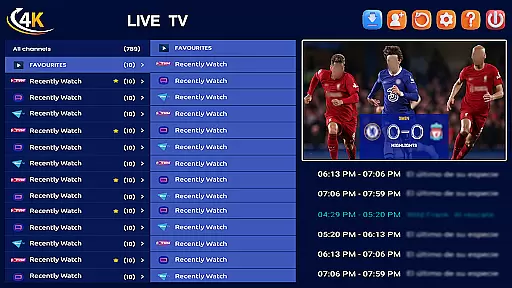
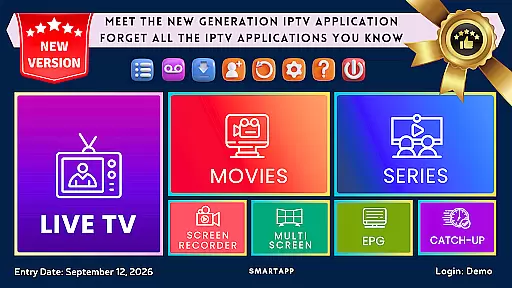
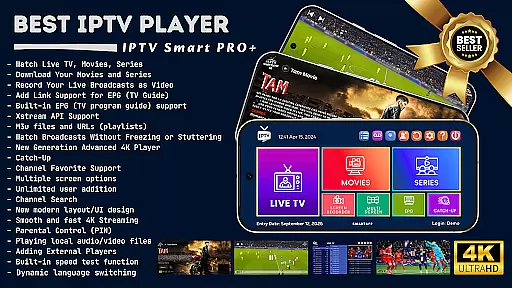
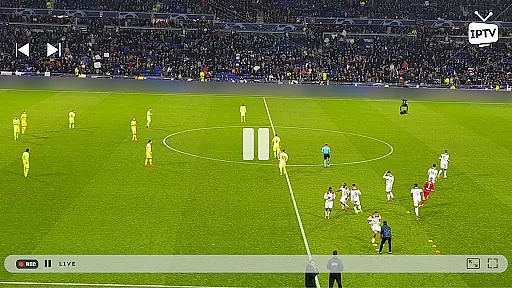

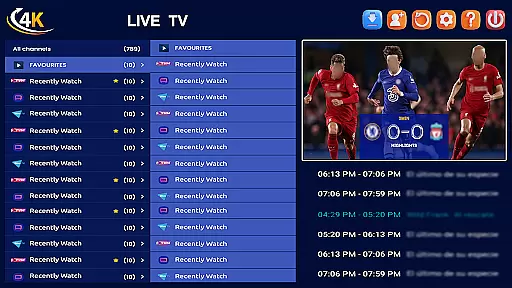
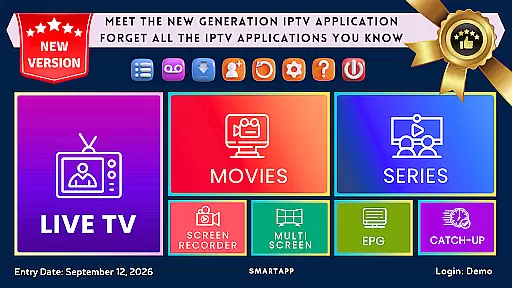
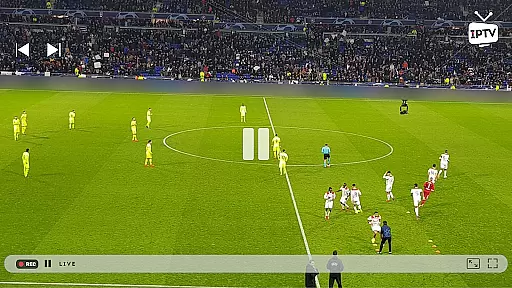

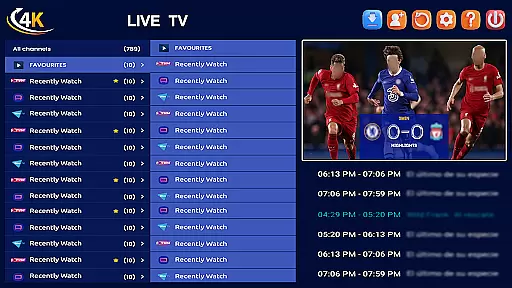
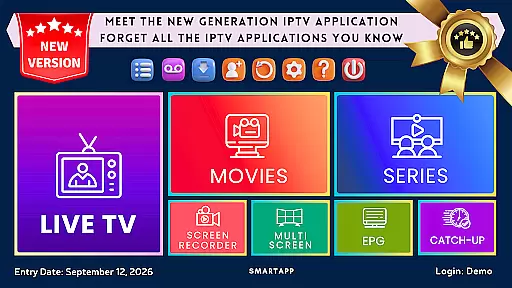
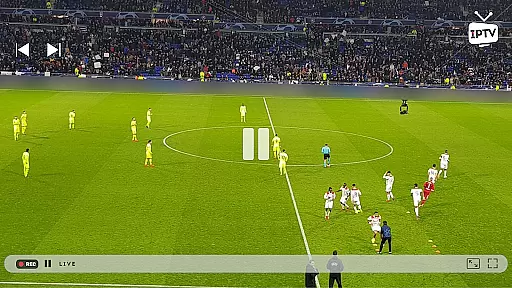

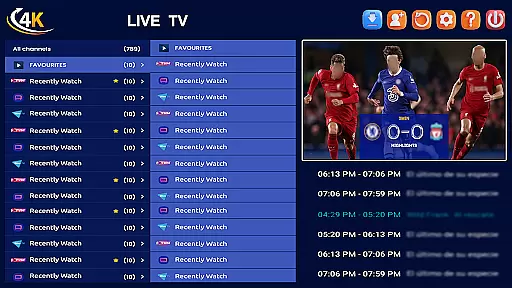
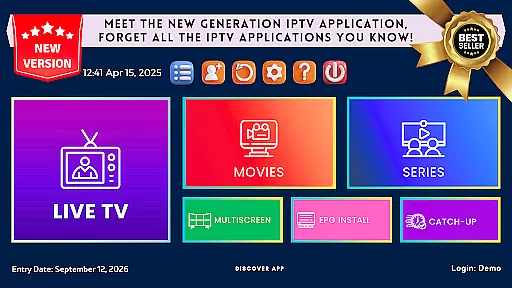
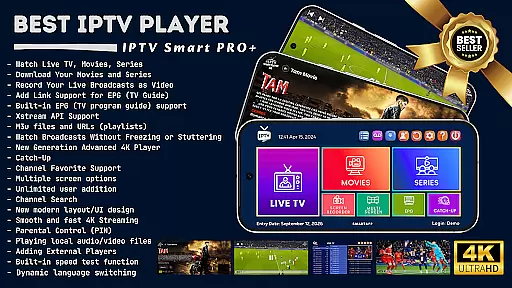
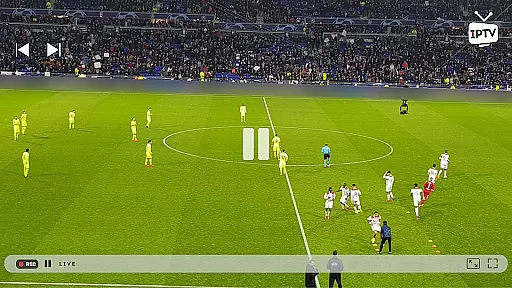

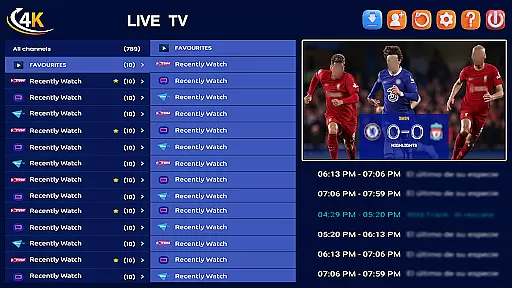
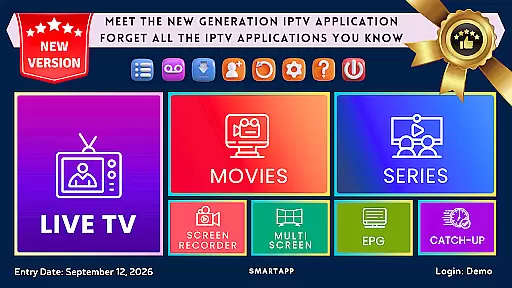
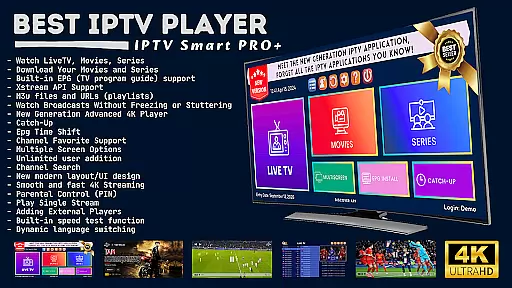
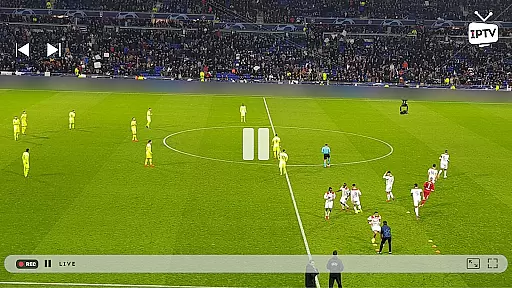

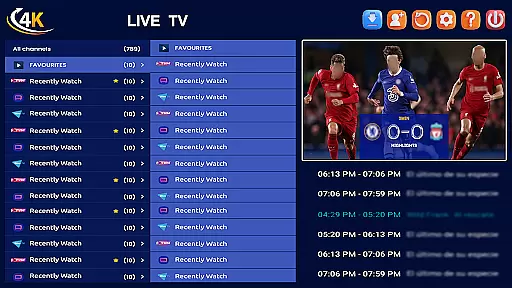
IPTV Smart Player stands as a premier entertainment application designed to elevate your viewing experience. This app, powered by artificial intelligence, offers seamless access to live broadcasts, sports events, movies, and TV shows in stunning high definition across Android devices. With support for all video formats including SD, HD, and 4K resolutions, it ensures an unparalleled visual experience.
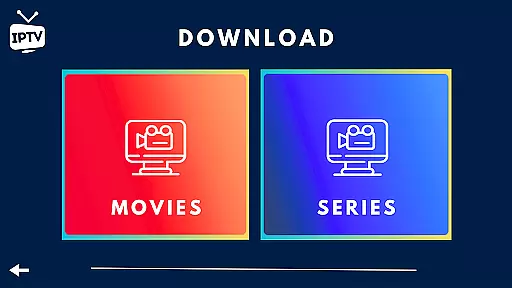
One of the standout features is its ability to record live broadcasts and download content for offline viewing. The app requires a one-time purchase, eliminating recurring subscription fees while offering an ad-free environment. Users can also integrate external players like VLC for enhanced streaming options in certain regions, making it versatile and user-centric.
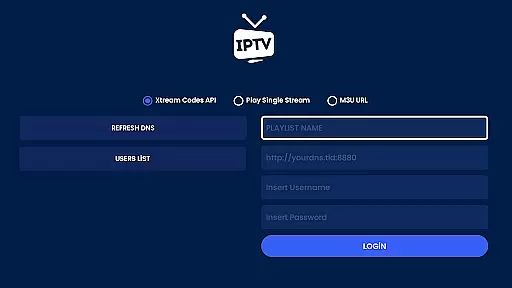
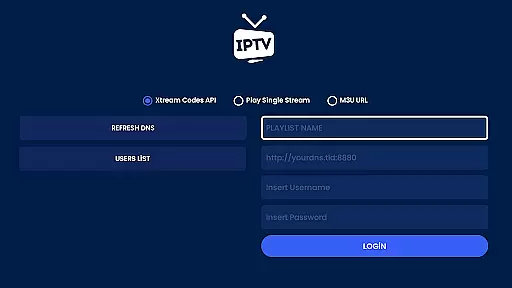
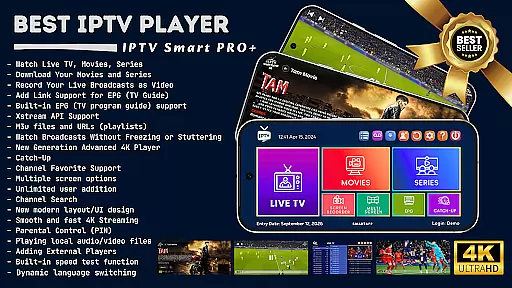
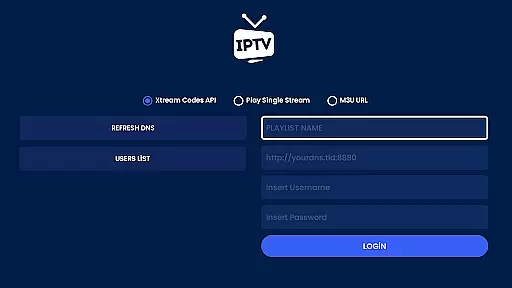
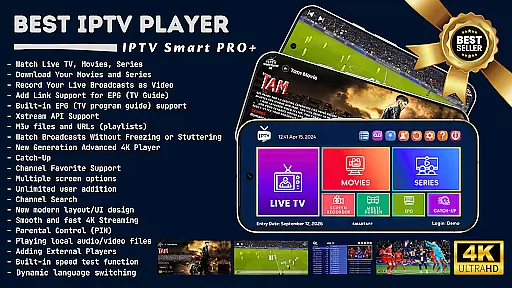
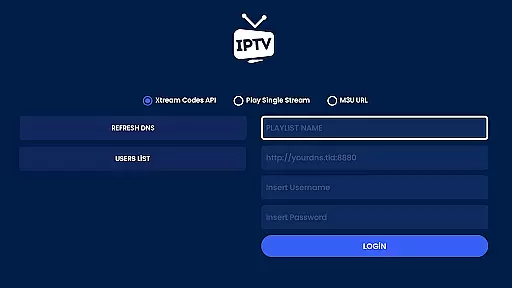
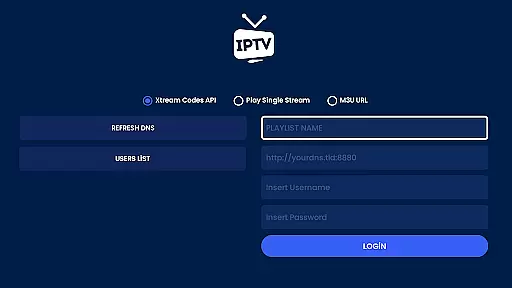
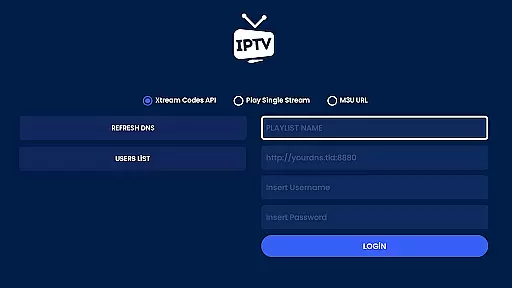
The IPTV Smart Player boasts an extensive array of features tailored to meet diverse user needs. It supports multilingual options, allowing dynamic language switching, and includes advanced functionalities such as EPG (TV Program Guide) support and Xstream API integration. Users can add m3u files and URLs, ensuring compatibility with various media sources.
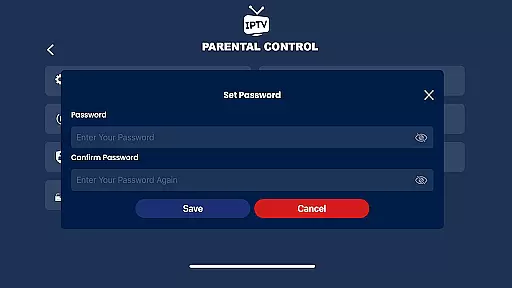
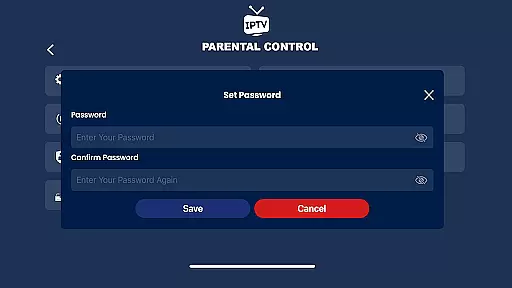
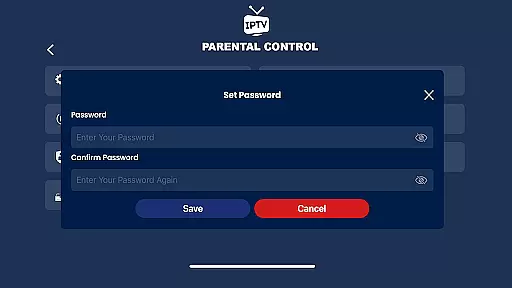
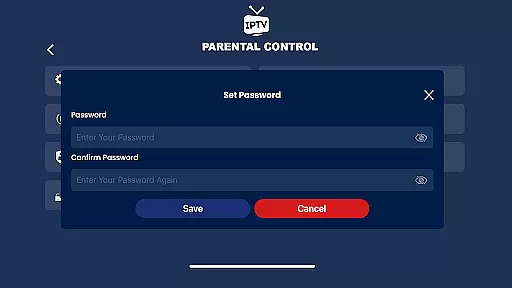
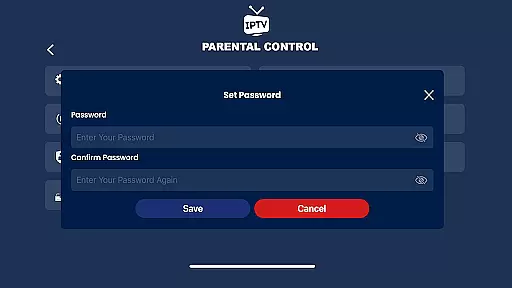
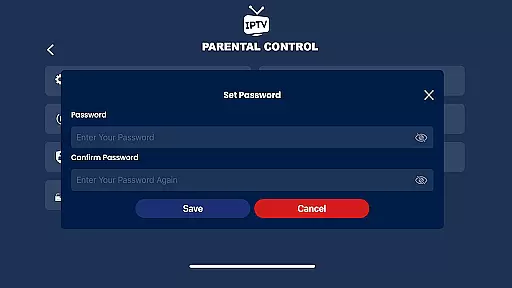
With parental controls, instant category encryption, and advanced subtitle support, the app provides both security and customization. Its next-generation 4K player offers three different options for optimal playback. Additionally, users can enjoy multi-screen viewing, scalable live streams, and a modern UI/UX design that enhances overall usability and accessibility.
In the realm of digital entertainment, content diversity and regular updates are paramount. IPTV Smart Player excels in this area by offering an extensive range of viewing options. Users can indulge in live broadcasts, sports events, current movies, and the latest TV series, all in stunning high definition.
The app supports all video formats, including SD, HD, and 4K resolutions, ensuring that viewers have access to content that matches their preferences and device capabilities. Whether you're streaming on an Android phone, tablet, Android TV, or Chromebook, IPTV Smart Player delivers a lag-free experience that keeps you engaged.
Moreover, with features like Catch-Up, users can rewatch broadcasts they might have missed, ensuring that the freshest content is always at their fingertips. The ability to add m3u files and URLs also means that your content library can grow and evolve according to your personal tastes.
User engagement and retention are critical metrics for any entertainment platform. IPTV Smart Player addresses these aspects through its user-friendly interface and advanced functionalities. With multilingual support and dynamic language switching, it caters to a global audience, making sure language barriers do not hinder prolonged use.
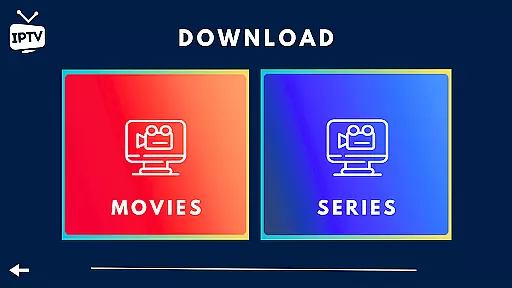
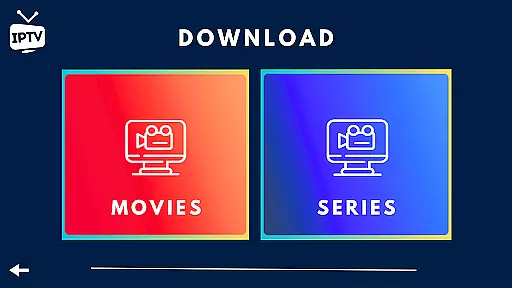
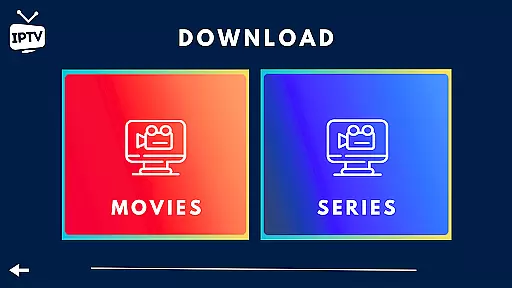
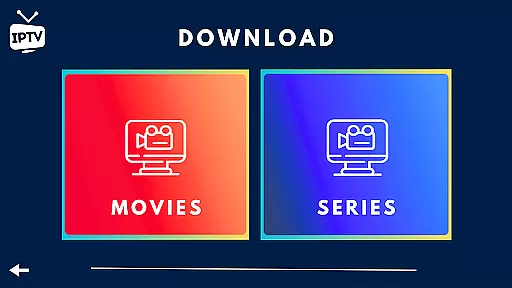
The app's capability to download favorite movies and series for offline viewing significantly boosts user engagement duration. This feature allows users to continue enjoying content without an internet connection, thus enhancing the overall user experience and encouraging longer app usage sessions.
Additionally, parental controls and instant category encryption ensure a safe viewing environment, which is crucial for retaining families as long-term users. By providing a seamless blend of flexibility, security, and diverse content, IPTV Smart Player fosters an engaging atmosphere that promotes sustained user retention.
User-friendly interface
High-definition streaming
Offline viewing capability
One-time purchase model
Advanced security features
Requires separate playlist subscription
Limited native content provision
External player dependency in some regions
Complex setup for beginners
Occasional speed test inconsistencies

Disney Stickers: Zootopia 2
 4.4
4.4
Live TV, sports & holiday movies — stream on phone, tablet & TV
4.60
Classic dynamic pixel art from Mark Ferrari.
4.70
Watch everything you want.
2.90
Scan sets, track your builds, and enjoy intuitive digital instructions.
4.70
Underrated short-drama gems that hit hard and keep your heart hooked.
4.50
Chat with AI characters! Anime, games, roleplay & more.
4.50
Binaural Brainwave Doses for Every Imaginable Mood
3.60
Everything FOX in one place. Watch FOX News, NFL, MLB, TV shows and more.
4.50
Companion app for Elden Ring to track quests, bosses, progress and more.
4.70
Watch short films, dramas, reels, series and movies anytime on Micro Drama.
4.60
Direct access to the most complete Guitar Tab Archive in Spanish: LaCuerda.net
4.60
The JBL Portable app works with JBL portable Bluetooth speakers.
4.60
Triple A is a highly complex, kinetic, and interactive visualizer.
4.50
Heroclix search units with multi filter , team builder, collection manager.
4.40
Atomus is a 10-finger multi-touch interactive visualizer.
4.30
Fool your friends & Family with Fake ultrasound test report
3.60
Connect. Discover. Control.
3.60
Air Horn - Siren Sounds Prank, Fun way to wake up your Friends and Family
4.2


User Reviews