
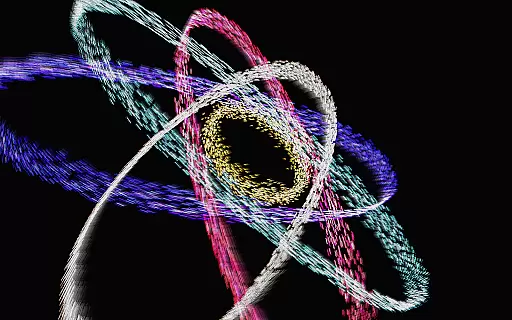
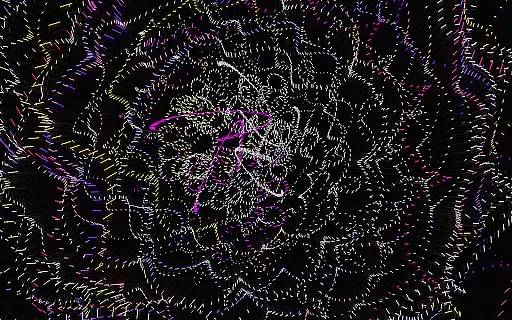
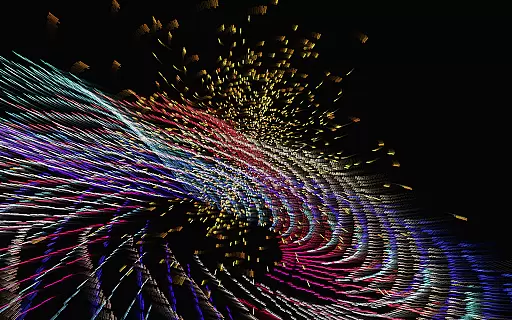
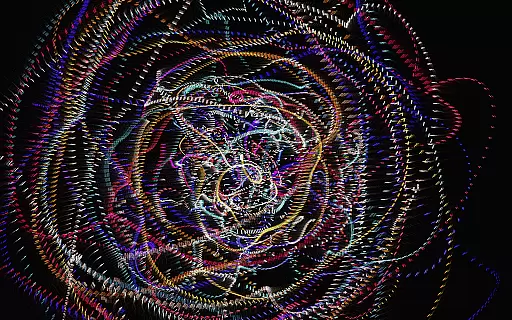
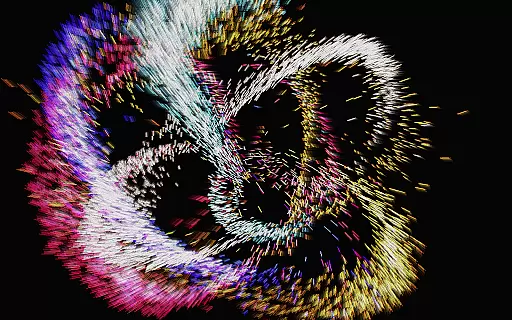
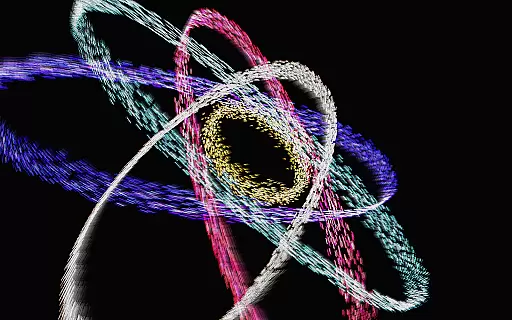
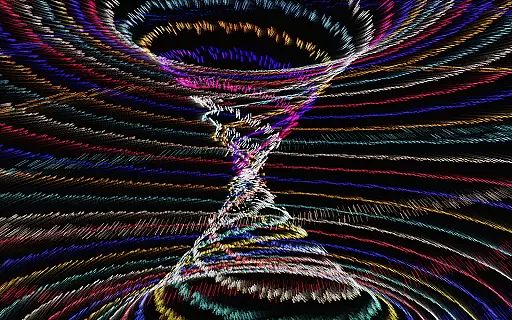
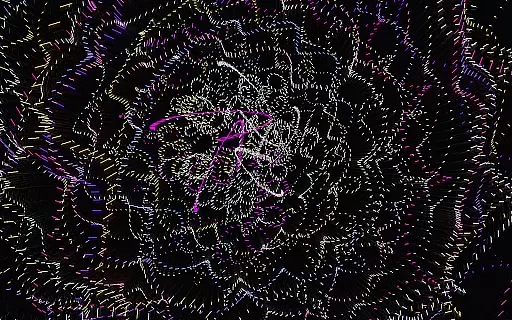
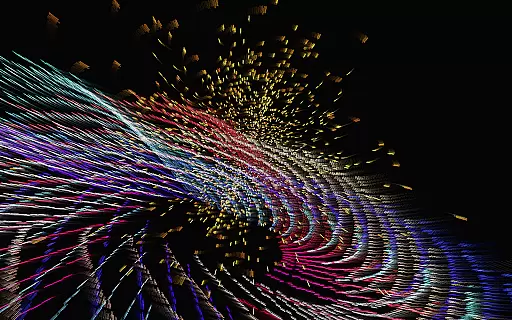
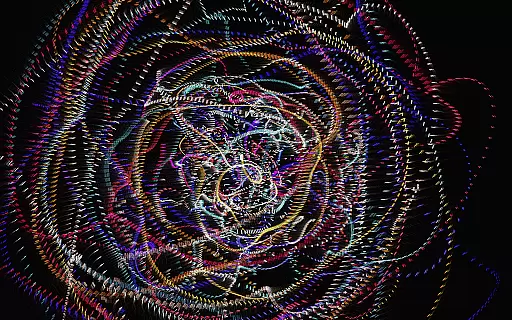
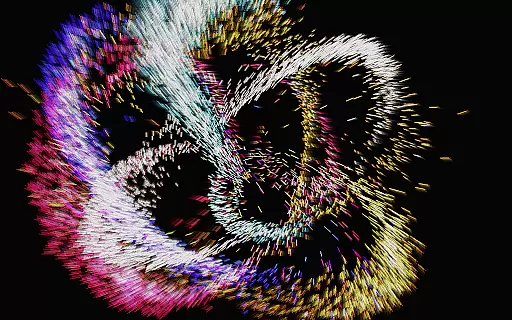
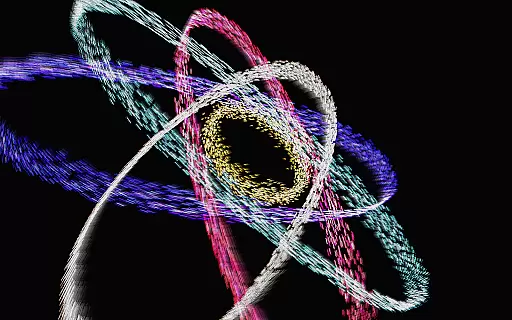
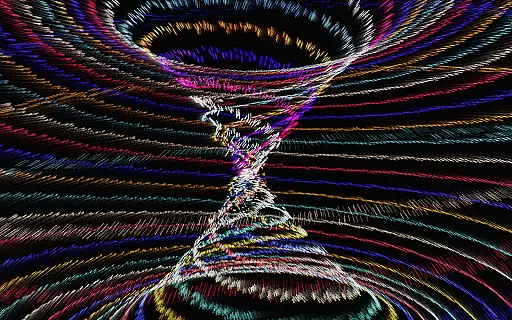
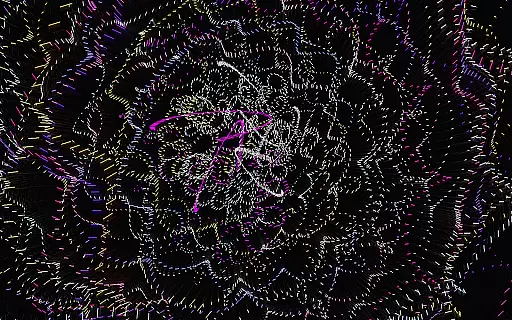
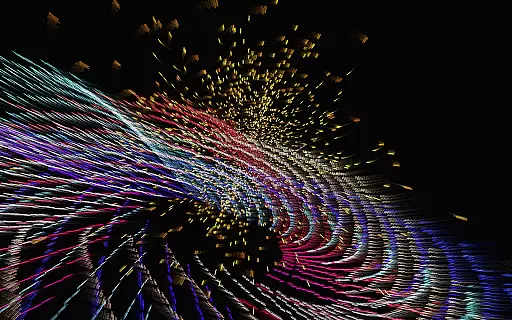
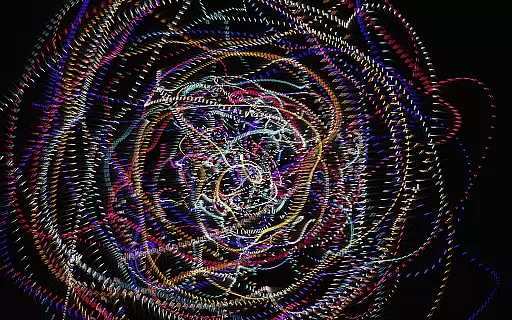
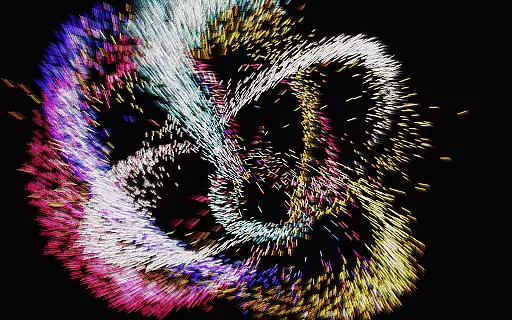
Atomus 3D is a visually stunning interactive application that combines art, science, and entertainment into one dynamic experience. Designed for users who appreciate creativity and innovation, this app offers an immersive journey through complex kinetic visuals. With its foundation in mathematics, physics, and advanced 3D graphics, Atomus 3D delivers breathtaking animations such as fireworks, auroras, and cosmic phenomena while maintaining an impressive performance speed of 60 FPS across all platforms.
This versatile app serves multiple purposes—it can be used as a game, a party centerpiece, or even an interior design element. Its customizable features allow users to tweak parameters like particle size, color modes, and motion effects, making it adaptable to various preferences. Whether you're looking to spark creativity, enjoy mesmerizing visuals, or simply relax with vibrant designs, Atomus 3D provides endless possibilities for engagement.
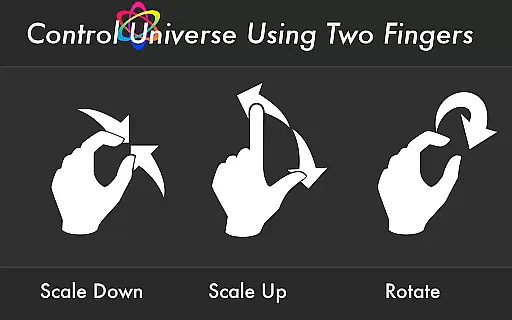
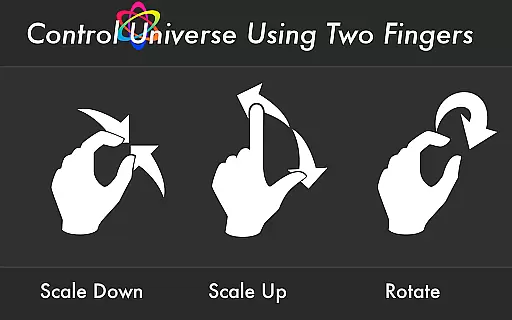
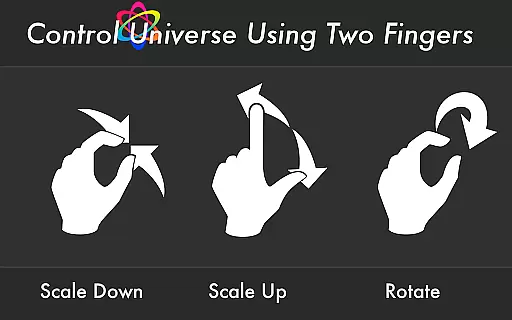
Atomus 3D stands out with its rich set of features designed to enhance user interaction and personalization. One notable aspect is the 10-finger multi-touch display, which allows seamless control over visual elements. Users can also enjoy five unique music tracks composed by Ross Bugden, adding another layer of sensory immersion that can be toggled on or off based on preference.
The app's ability to emit up to 10,000 particles at 60 FPS ensures smooth and lifelike animations. Customization options include adjusting particle length, number, and size, along with three distinct color modes: Neon, Crystal, and Nature. Additionally, Atomus 3D supports live wallpapers, enabling users to bring their device screens to life with captivating visuals. These features collectively create an unparalleled experience where technology meets artistry.
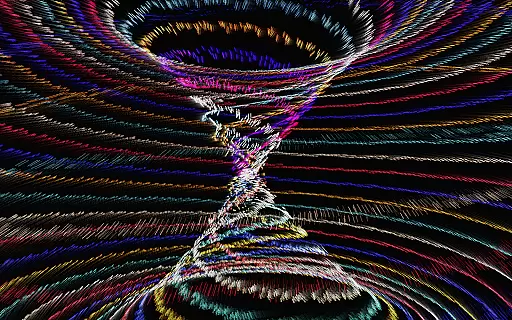
Atomus 3D offers an impressive array of content that ensures users are constantly engaged with fresh and varied visual experiences. The app includes a vast selection of dynamic designs such as fireworks, tornadoes, and auroras, each rendered with mathematical precision and physics-based realism.
The application leverages advanced 3D graphic techniques to bring these elements to life, providing users with an interactive canvas where they can customize particle length, number, and size. This level of personalization allows for endless creativity, making every session unique.
With its live wallpaper feature and three-color modesu2014Neon, Crystal, and Natureu2014users have the flexibility to tailor their experience according to their mood or preference. These features not only enhance aesthetic appeal but also contribute to a more immersive entertainment environment.
User engagement is at the heart of Atomus 3D's design philosophy. By offering high-speed rendering at 60 FPS, the app ensures smooth animations that captivate users' attention and encourage longer play sessions. The fast-paced emission of up to 10,000 particles creates a mesmerizing spectacle that is both visually stimulating and technically impressive.
In addition to captivating visuals, Atomus 3D incorporates music by Ross Bugden, which can be toggled on or off, adding another layer of sensory engagement. This combination of audio and visual stimuli helps maintain user interest over extended periods.
Furthermore, the app's multi-touch display support for up to ten fingers provides an intuitive interface that invites exploration and interaction. Such engaging mechanics foster a deeper connection with the app, promoting higher retention rates as users return repeatedly to explore new possibilities within this vibrant digital playground.
Visually Stunning
Highly Customizable
Impressive Performance
Versatile Use Cases
Innovative Design
Complex for Beginners
Limited Free Features
Heavy on Resources
No Offline Music
Interface Not Intuitive

Create, chat & bond with AI souls who truly listen.
 4.50
4.50
Simulation of Dashboard / Touch Screen for Tesla. (Works without actual Tesla).
4.4
Practice and master your ESP and intuition with five mode trainer.
4.20
Chat with AI characters! Anime, games, roleplay & more.
4.50
Raise Christmas Magic with daily missions, magical scanners, and kindness.
4.1
Control your AWTRIX 3 easily
4.0
Original short dramas with diverse genres for a rich viewing experience!
4.80
Bold original series & hit movies that don't hold back.
4.40
Earn big rewards like PayPal & Amazon gift cards by playing games you love!
4.30
Time tracking, lap counting and much more for Carrera® Digital 132/124
4.80
Catalog & tracker of your DVD, Blu-ray & Digital Movie and TV Collection Library
4.80
5 funny and lovely ponies waiting for you to style them!
4.80
Fun brain twisting challenge with trending Whirlpool Filter.
4.70
Direct access to the most complete Guitar Tab Archive in Spanish: LaCuerda.net
4.60
Best of icon for christmas
4.30
Alice Box is an Instrumental Trans Communication app.
3.80
Binaural Brainwave Doses for Every Imaginable Mood
3.60
Disney Stickers: Zootopia 2
4.4
Music visualizer and party effects for your Nanoleaf devices
4.4


User Reviews