
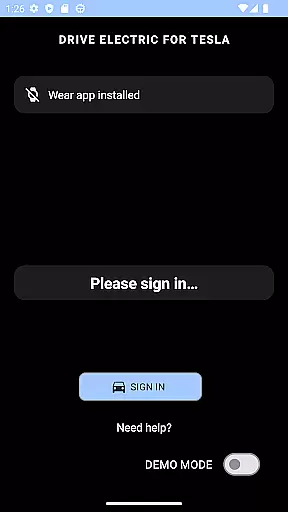
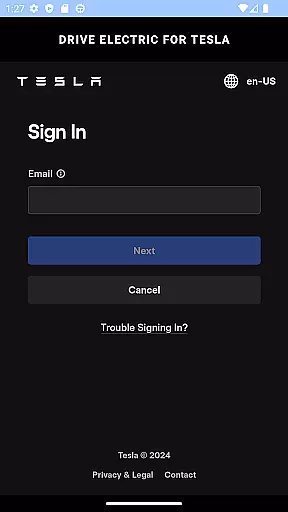
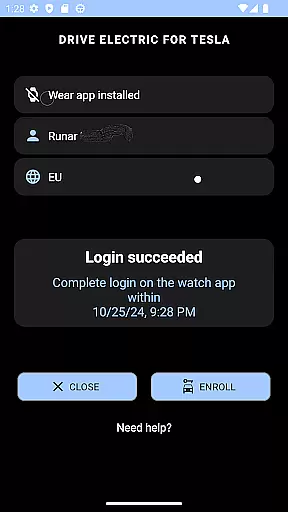
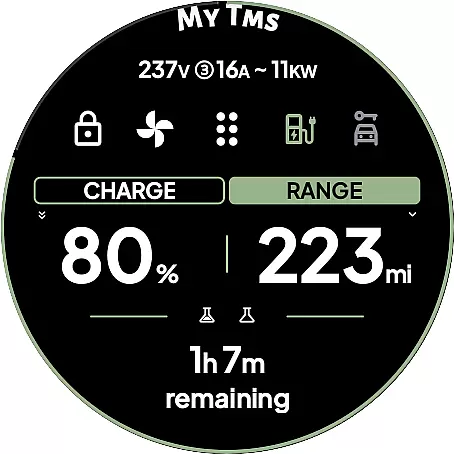
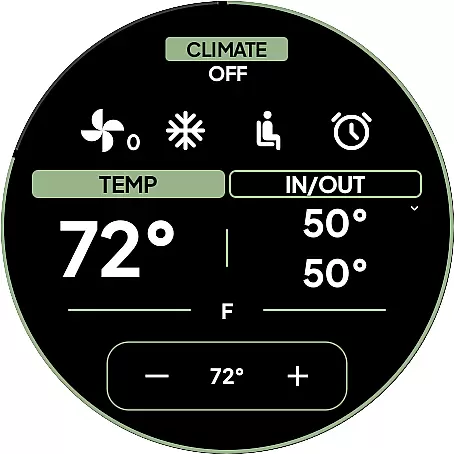
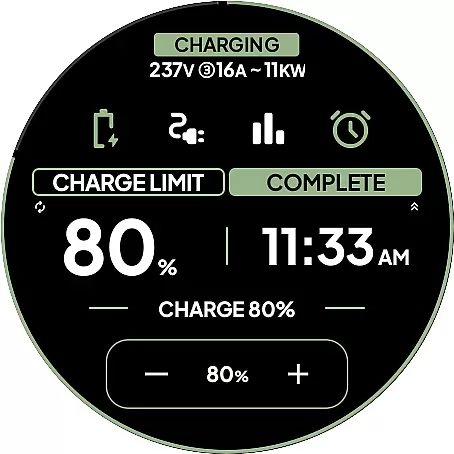
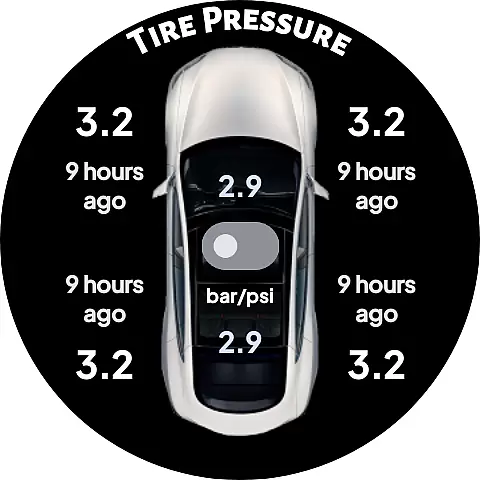
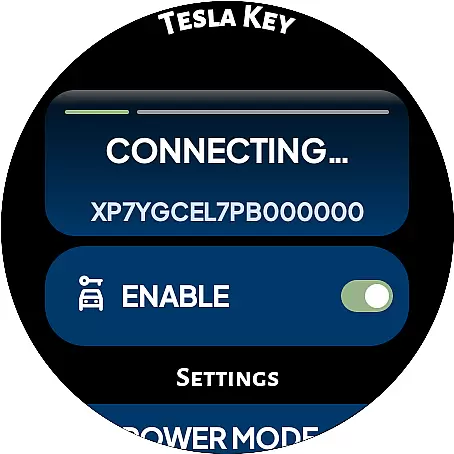
DRIVE Electric for Tesla exemplifies comprehensive lifestyle category coverage by integrating advanced smartwatch functionalities with everyday vehicle use. This app is designed to enhance convenience and accessibility, particularly for Tesla owners who value seamless integration of technology into their daily routines.
The app supports both NFC and Bluetooth access, enabling users to unlock, drive, or send commands to their vehicles directly from their Wear OS smartwatches. By incorporating remote access through a monthly subscription, it ensures that users can manage their vehicles even when they are not nearby. This feature significantly broadens its utility, making it an essential tool for modern living.
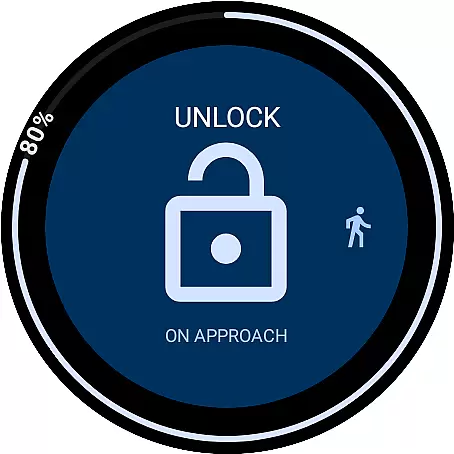
In addition to these core features, the app offers six different tiles for quick access to commands, a watch complication displaying battery level, and an innovative 'On Approach' function. These elements collectively contribute to a holistic lifestyle solution, addressing various needs from security to convenience. The emphasis on direct communication with Tesla's servers underscores the app's commitment to maintaining user privacy and data integrity.
Authenticity and credibility are at the forefront of DRIVE Electric for Tesla's design philosophy. The app assures users that it does not store or proxy any credentials through third-party servers, ensuring all communications are secure and directly with Teslau2019s servers or the vehicle itself via NFC or BLE.
This commitment extends to its compliance with Teslau2019s recent policy changes regarding the Fleet API. While this impacts remote access capabilities, the app transparently communicates these changes and adapts by focusing on NFC and Bluetooth functionalities. Users are encouraged to read detailed disclaimers and FAQs, reinforcing the app's dedication to informed consumer choices.
Furthermore, the app provides extensive instructions and support, including sections like 'Start here...', 'Important Login Information', and 'General tips'. These resources ensure users have the necessary information to utilize the app effectively and safely. By prioritizing transparency and user education, DRIVE Electric for Tesla establishes itself as a credible and reliable tool in the lifestyle category.

Unique Dark Analog style for Wear OS watches.
 4.4
4.4
Stay connected with your loved ones & vehicles | Share live GPS location updates
4.60
BILT interactive 3D instructions help you get the job done right
3.50
Connect to your Shark ROBOT™ from anywhere using the SharkClean™ App.
3.60
A smart Siddur with halachic times
4.50
Have your Tehillim with you at all times
4.70
A unique and customizable watch face which rotates its layout every minute.
4.80
LineLearner, the quick way to learn lines.
2.90
Vehicle ownership simplified. Get the myChevrolet® app today.
4.60
Smart & Healthy Living
4.60
Colorful minimal digital watch face for Wear OS
4.60
Unique "Isometric" style digital watch face for Wear OS
4.50
Zodiac & Horoscope Launcher: Daily Sign Predictions & Astrology
4.40
Use your device sensors to detect energy and convert it into spoken words.
4.10
Take Hobby Lobby with you wherever you go!
3.40
Big bold digital watch face with 30 colors, 6 complications and AOD.
4.1
A watch face with transparency and fluid visuals inspired by liquid glass design
4.4
Cute animated Thanksgiving watchface for your WearOS smartwatch
4.4
Bring the warm colors of fall directly to your wrist with Autumn Leaves!
4.1


User Reviews