
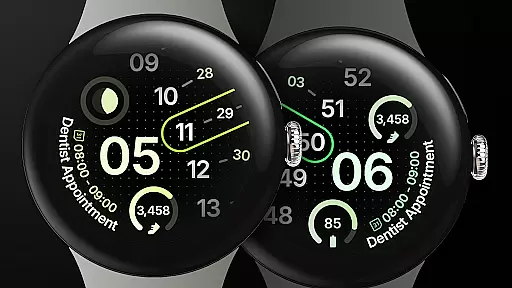
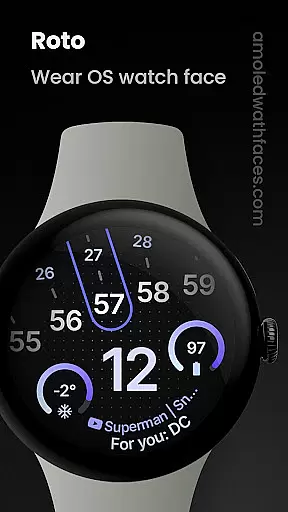
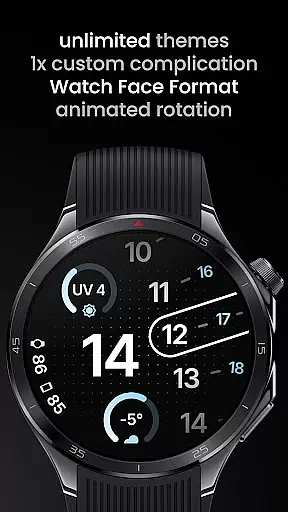
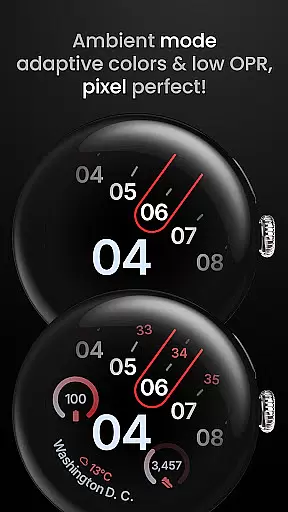
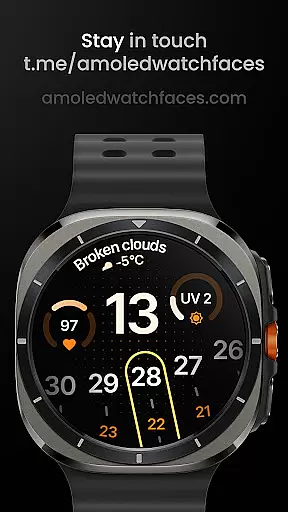
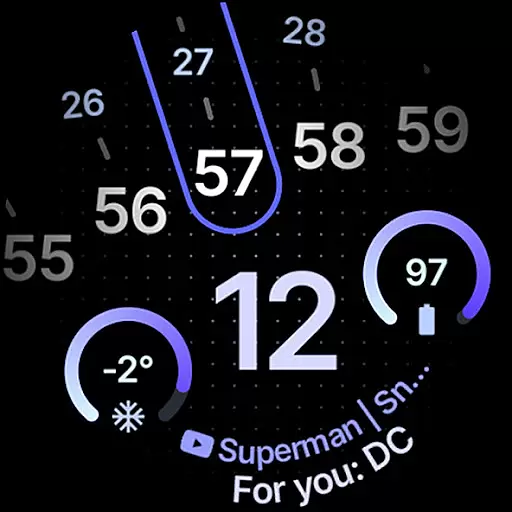
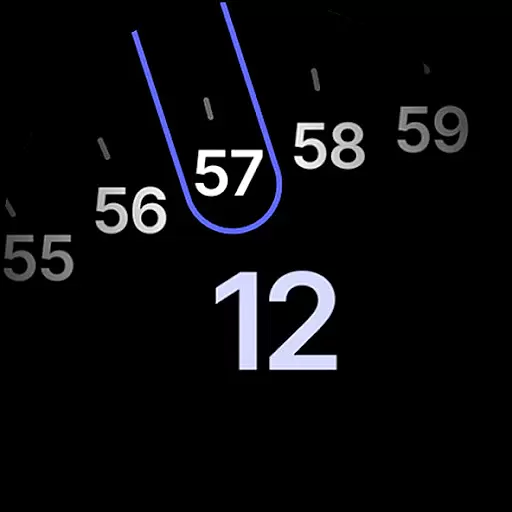
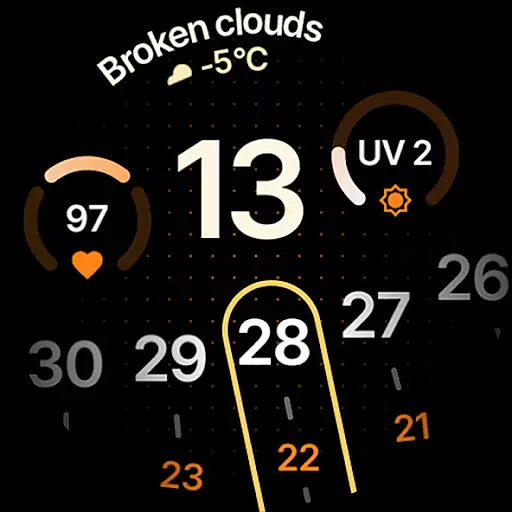
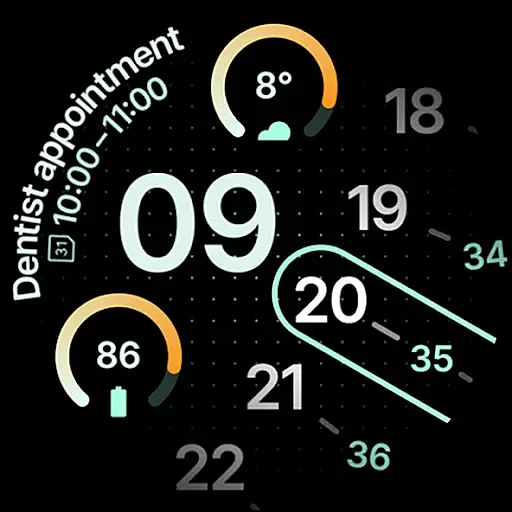
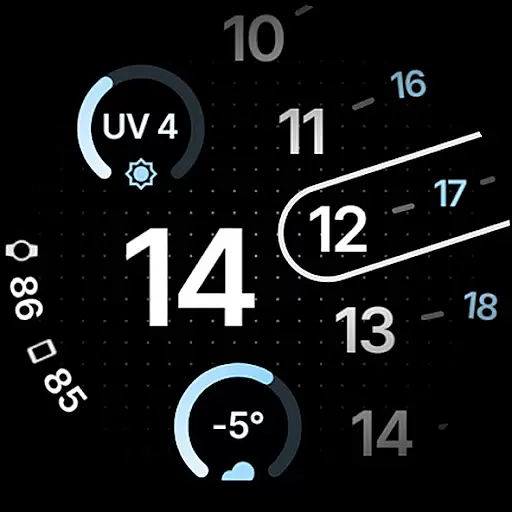
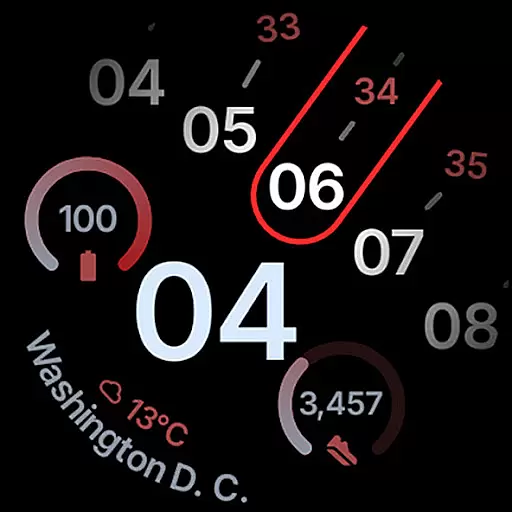
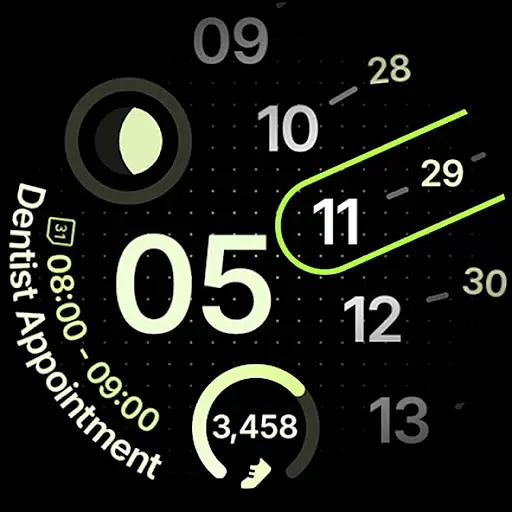
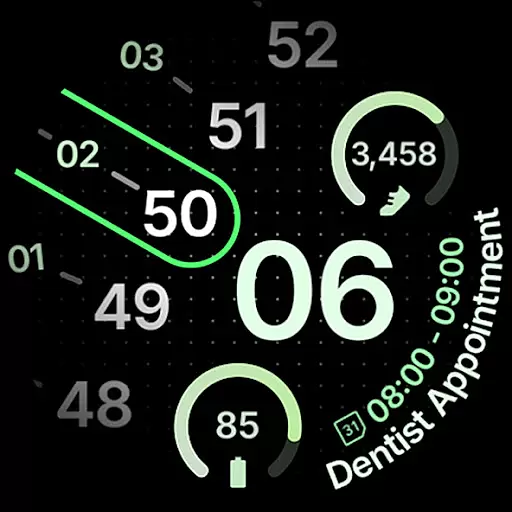
Roto Watch Face is a dynamic and customizable watch face designed exclusively for Wear OS 4+ devices. This innovative app leverages the Watch Face Format to offer users a unique experience with every glance at their smartwatch. The watch face layout rotates every minute, ensuring that you have a different view each time you check the time.
With support for custom complications, material color themes, and dual battery displays, Roto Watch Face provides both aesthetic appeal and functional utility. Users can personalize their watch faces with various slots, widgets, and AOD styles, making it truly their own. Whether you want to track your fitness goals or stay updated with weather forecasts, this app caters to diverse lifestyle needs.
Roto Watch Face stands out with its array of features tailored for personalization and functionality. It supports Watch Face Format 1 / 2, allowing the watch face layout to change its rotation every minute. This feature ensures a fresh look with each interaction. Additionally, it offers one custom complication slot, supporting types like SHORT_TEXT, LONG_TEXT, and MONOCHROMATIC_ICON.
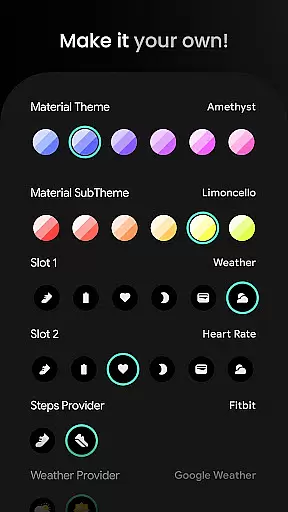
The app includes advanced options such as flavors feature support for Wear OS 5, multilanguage capabilities, and over 50 material theme and sub-theme choices. Users can configure steps providers, weather providers, and choose between two AOD styles. With dual battery support and multiple widget options including Step Count, Heart Rate, and Weather, Roto Watch Face delivers a comprehensive and adaptable user experience.
Roto Watch Face offers extensive coverage of lifestyle categories through its diverse features tailored for Wear OS 4+ devices. The watch face not only displays time but also integrates various aspects of a user's daily life, such as health metrics, weather updates, and even moon phases.
With options like Step Count, Heart Rate, and Weather complications, the app ensures that users have access to vital information at a glance. This comprehensive approach allows for an enriched lifestyle management experience directly from their wrists.
The inclusion of multilanguage support and material color themes further enhances personalization, making it adaptable to individual preferences and ensuring it fits seamlessly into any lifestyle. These features collectively contribute to a versatile lifestyle companion that evolves with the user's needs.
Authenticity and credibility are at the core of Roto Watch Face's offerings. As part of the amoledwatchfaces.com suite, it leverages the Watch Face Format to deliver genuine and reliable content. Each feature is meticulously crafted to ensure accuracy and relevance to the user's context.
By providing official integrations with recognized services like Samsung Weather and Google Weather, Roto Watch Face assures users of the dependability of its data sources. Moreover, the application is transparent about its functionalities, offering clear descriptions and guidance on its website.
Users can trust the integrity of the information displayed on their watch faces, knowing that it comes from credible providers and is supported by a robust customer support system. This commitment to authenticity reinforces the app's value as a trustworthy lifestyle tool.
Unique rotating design
Custom complication support
Material color themes
Dual battery display
Highly customizable
Wear OS 4+ only
Complex setup
Limited free options
Requires Wear OS 5 for some features
Advanced configurations needed

The all-new Cync app. The simple, connected app for Cync and C by GE.
 4.50
4.50
Tap to the beat with interactive videos — warm up your reflexes & have fun
4.70
The go to app for taking unlimited notes!
4.50
Good magnifier app to see tiny things bigger and more clearly!
4.80
Smart home security protection
3.20
Make money, get paid cash rewards & gift cards for every survey. Earn today!
4.60
An Eerie Musical Trigger Toy for Spirits to Play with!
3.50
Retro animated weather with hourly forecast Watch Face for Wear OS
4.60
Celebrate the holidays with Advent Calendar: daily surprises and festive fun!
4.1
Digital smart watch face made for Wear OS.
4.70
Vehicle ownership simplified. Get the myChevrolet® app today.
4.60
Earn money & gift cards when you take surveys, play games, scan receipts & more.
4.50
Chat, meet genuine singles in your area. Real connections start with being real.
4.30
Earn points with every purchase with Moe Rewards.
4.20
Fly your Solo like a boss.
4.10
Subwoofer school’s in session! You’ve now enrolled into KICKER U.
3.80
Creativity and savings for kids, beginners and experts in arts and crafts
3.50
Turn your watch into a key fob for your Tesla
2.90
Duo Watch Face (animated)
4.0


User Reviews