

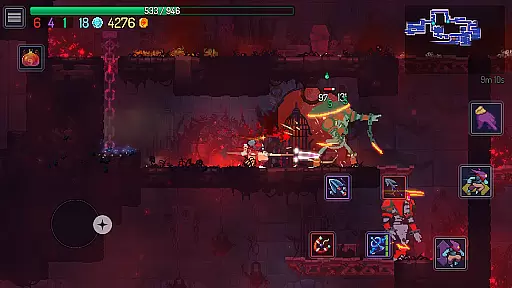
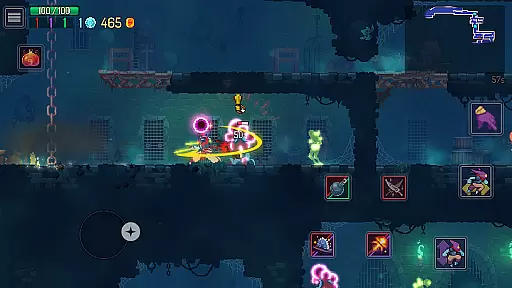
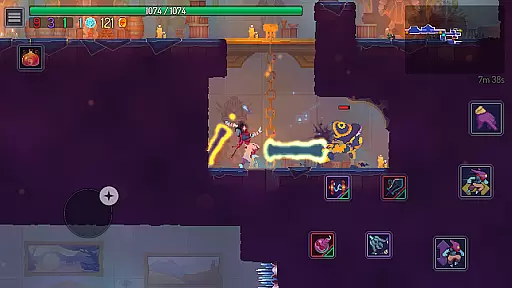
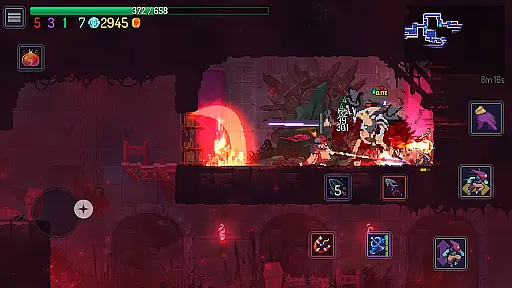
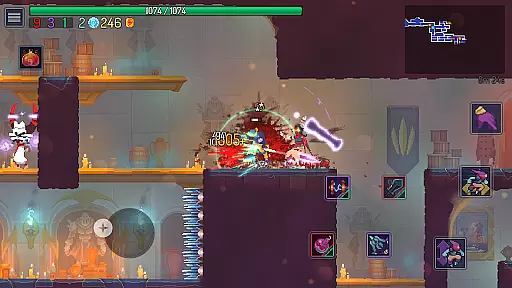
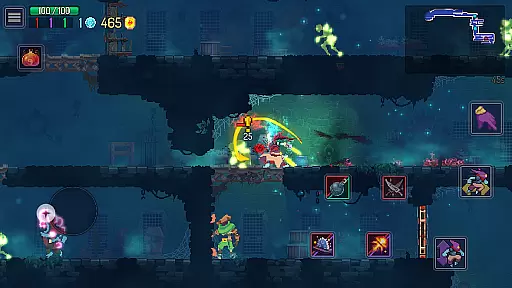

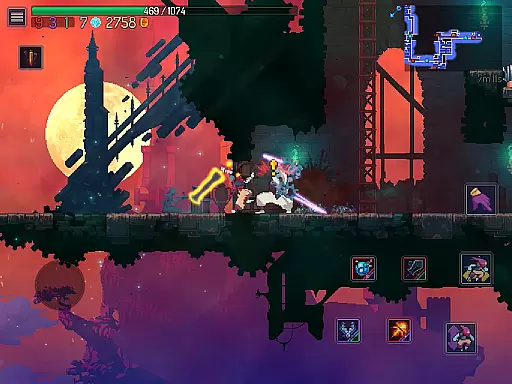
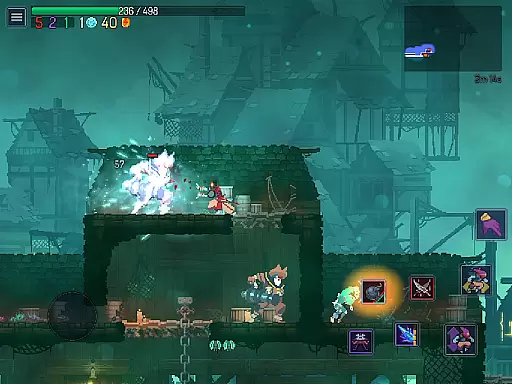
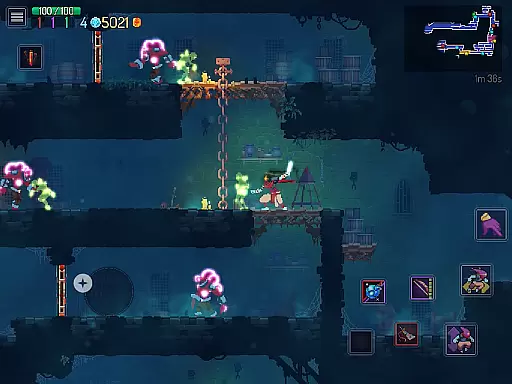
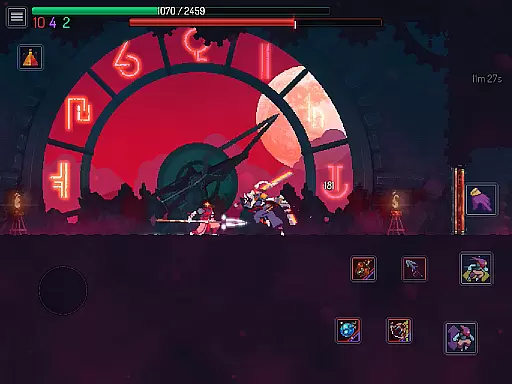
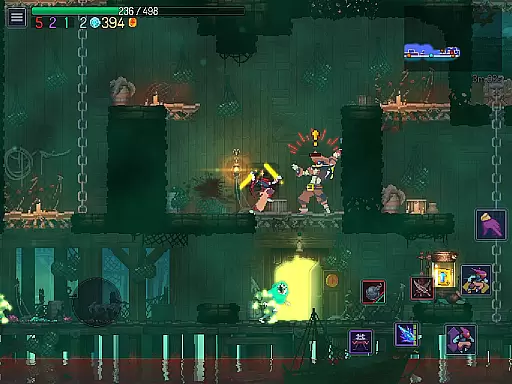
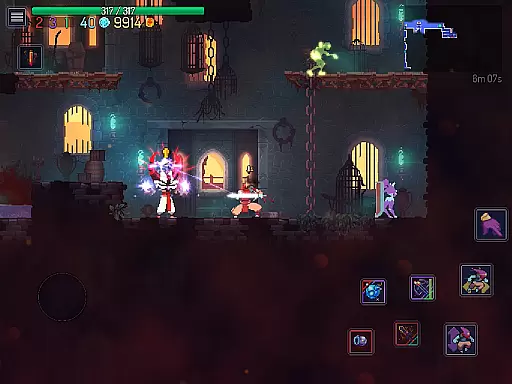

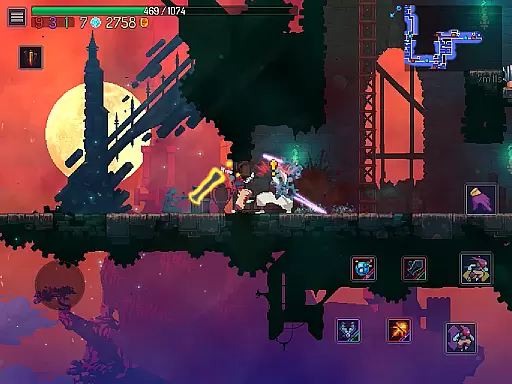
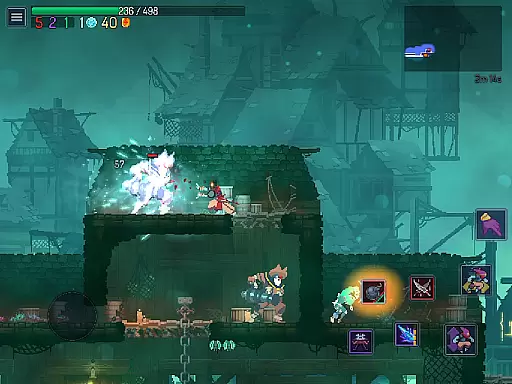
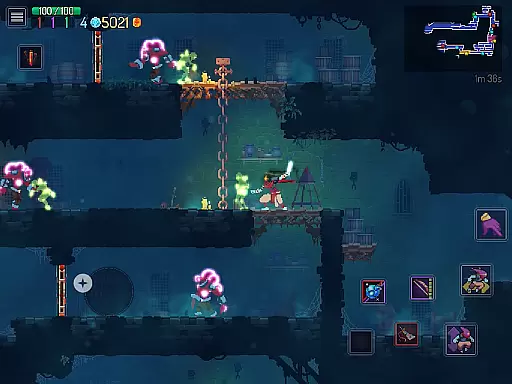
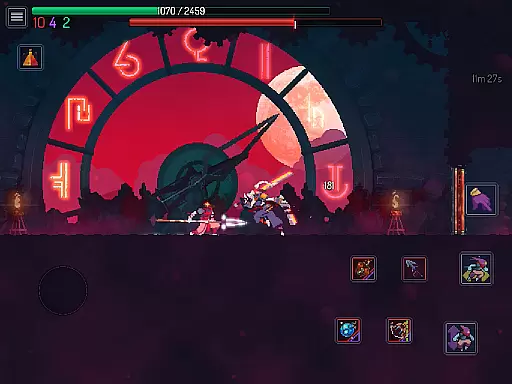
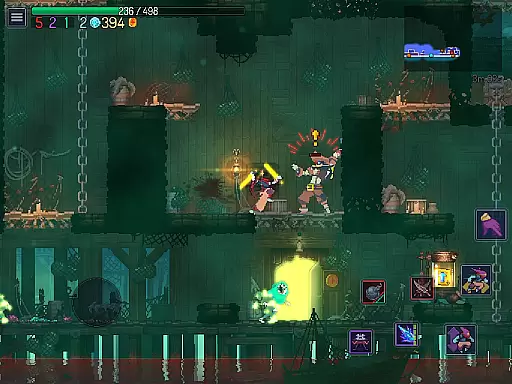
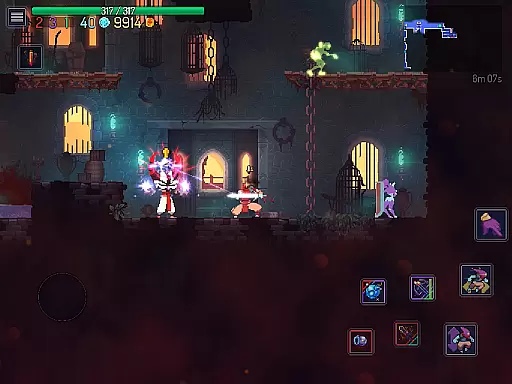
Dead Cells is a roguevania action platformer that challenges players with intense 2D combat in an ever-changing castle environment. As a failed alchemic experiment, you must explore this gloomy island, fighting past merciless minions and bosses using a wide array of weapons and skills.
The game uniquely blends the progressive exploration of a interconnected world with the adrenaline-pumping threat of permadeath, ensuring each playthrough is distinct. With nonlinear progression, players unlock new levels and paths with every death, adapting to their current build or mood. Whether you choose to meticulously explore every corner or rush to the end, Dead Cells offers a dynamic experience tailored to your playstyle.
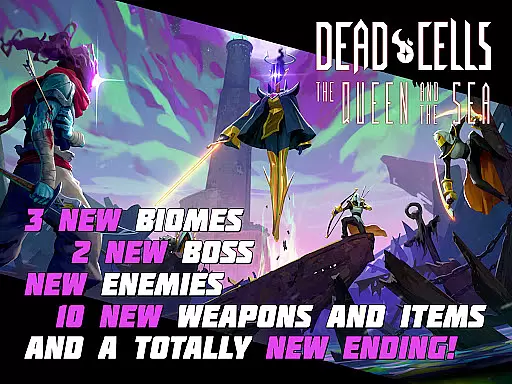
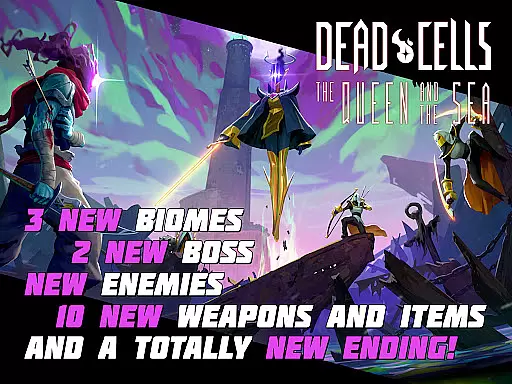
Available on mobile after its success on PC and consoles, Dead Cells brings its thrilling gameplay to touchscreens with carefully redesigned controls and interface options, including two game modes: Original & Auto-Hit. The addition of DLCs like Return to Castlevania and Fatal Falls expands the adventure with new biomes, monsters, weapons, and bosses, enriching the already expansive gameplay.
Dead Cells stands out with its roguevania design, combining the best elements of rogue-lite games and Metroidvania-style exploration. This means players face the constant threat of permadeath while progressively unlocking new areas and abilities, ensuring high replayability and fresh challenges.
The combat system is both frantic and dynamic, requiring players to master various weapons and skills to survive. Each weapon, from the Scythe Claw to the Rhythm n' Bouzouki, offers unique playstyles and strategies against a diverse set of enemies. Additionally, the nonlinear progression allows players to choose their path based on their current build or preferences, providing flexibility and personalization in how they tackle the castle's challenges.
Customization extends to the controls as well, with options for custom controls, touch control variations, and MFi external controller support. These features ensure that players can tailor the interface to their liking, enhancing the overall experience. With no ads or F2P mechanics, Dead Cells delivers a pure gaming experience focused solely on skill and strategy.
In Dead Cells, control responsiveness is paramount to surviving its intense combat scenarios. The game ensures that every movement and attack registers instantly, providing players with the precision needed to navigate through the roguevania-style castle. This immediacy in control allows for fluid transitions between actions, which is crucial when facing merciless minions and bosses.
The developers have optimized the mobile version of Dead Cells to offer two distinct game modes: Original and Auto-Hit. These options cater to different playstyles, ensuring that whether you're a veteran or new to the genre, your controls feel intuitive and responsive. Customizable touch controls further enhance this experience by allowing players to adjust button positions and sizes, creating a personalized control scheme that minimizes input latency.
Moreover, support for MFi external controllers adds another layer of responsiveness for those who prefer physical inputs over touchscreen commands. By prioritizing low-latency interactions, Dead Cells empowers players to fully immerse themselves in the dynamic 2D action without being hindered by sluggish controls. This dedication to responsive design translates into an engaging gameplay loop where each decision can mean the difference between success and returning to your cell.
Dead Cells delivers tight combat feedback, which is essential for players to learn enemy patterns and improve their skills. Every slash, dodge, and spell cast provides immediate visual and auditory responses that inform the player of their actions' outcomes. This clear feedback loop is critical in high-pressure situations where quick reflexes determine survival against increasingly challenging foes.
The mobile adaptation refines these elements further, with revamped interface designs that emphasize clarity during fast-paced encounters. Whether it's the crisp sound effects accompanying a flurry of blows or the visual cues indicating successful hits, Dead Cells ensures that players receive precise information about their performance on the battlefield.
This attention to detail extends beyond mere aesthetics; it directly impacts gameplay strategy. With nonlinear progression and permadeath mechanics at play, understanding combat feedback becomes vital for unlocking new levels and optimizing builds. Players can rely on consistent responses from both their character and enemies, enabling them to make split-second decisions based on accurate sensory data provided by the game.
Engaging roguevania gameplay
Dynamic combat mechanics
Nonlinear level progression
Rich DLC content expansion
Customizable control schemes
Steep learning curve
High difficulty level
Requires significant RAM
Complex for casual gamers
Occasional performance issues

Thrilling mix of two game genres - Fighting & RPG. Prepare to fight with shadow!
 4.70
4.70
Robot fight! Get into the shooting games to destroy all transformers and robots!
4.30
Be a spider hero and conquer the vice town
4.50
Five years ago, Carl ‘CJ’ Johnson escaped the haze of Los Santos, San Andreas…
3.30
Step into cooking Games make tower burger and enjoy burger runner games for all
4.40
Hunt your target & become a strong PVP sniper in this Epic 3D sniper FPS game
4.80
Pure sniper shooter game. Stealth sniper mission & daily quest. Special force
4.60
A Naruto game full of 3D competitive action!
4.20
Supreme Duelist is a funny fighting mobile game
4.50
Controller supported shooting game. Go into a labyrinth & Reveal a mystery story
4.70
NEOGEO's masterpiece game is now available in the app!
4.70
Survive the post apocalypse in intense zombie shooting and gun games on doomsday
4.60
Munch your way through 60 levels and over 140 objects!
4.40
Kick all fighters out of the arena! Enjoy the casual fighting game experience
4.30
HOOK away with SPEED & STYLE! Jump, Swing, Fly! Let's Play fun Action Game!
4.20
Experience the epic Western adventures that defined a generation
3.90
Castlevania: Symphony of the Night
3.70
Play through 45 action-packed missions with over 90 iconic Marvel characters!
3.00
Run and jump through the depths of the jungle!
4.2


User Reviews