
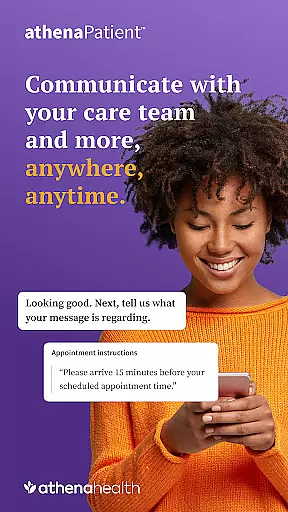
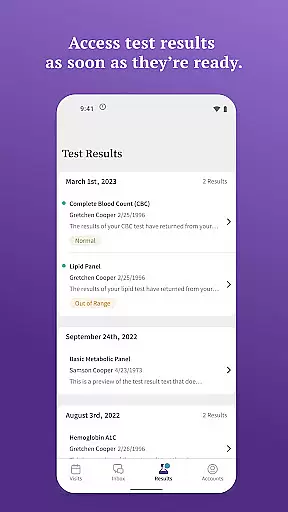
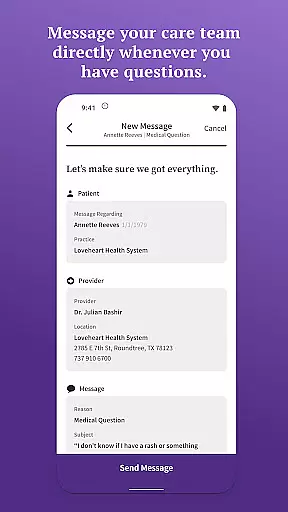
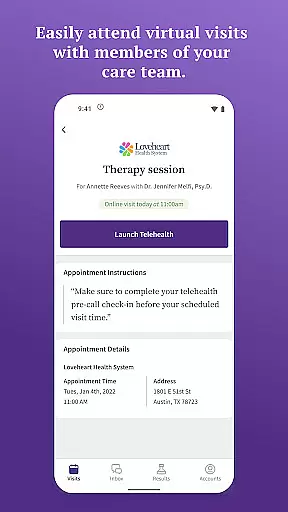
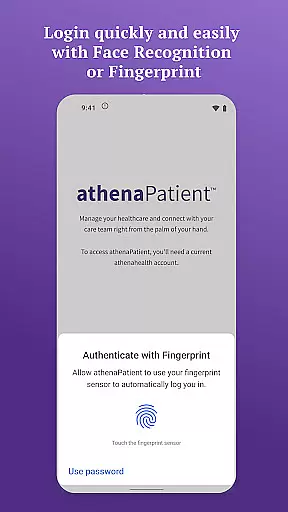
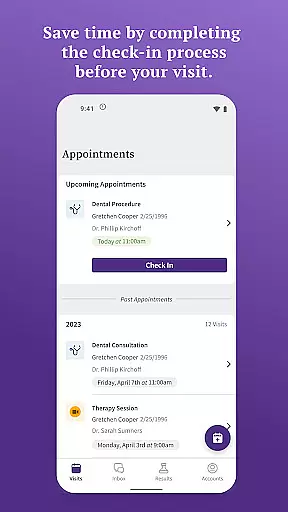
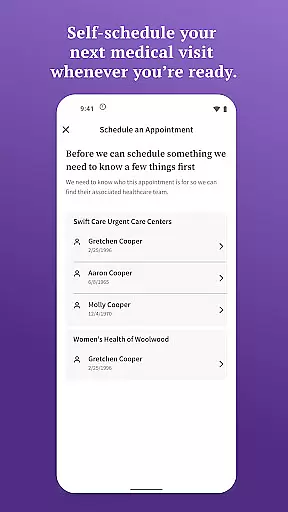
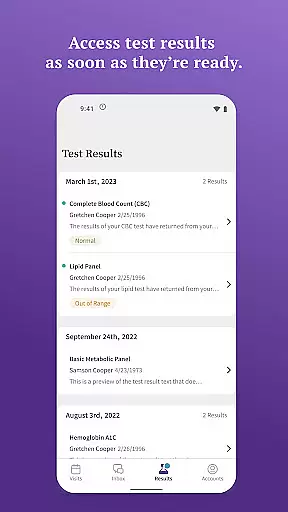
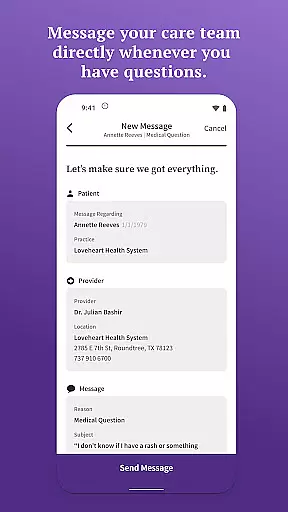
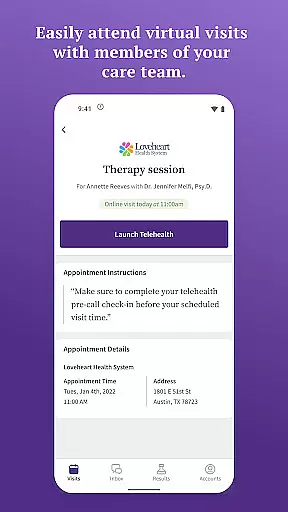
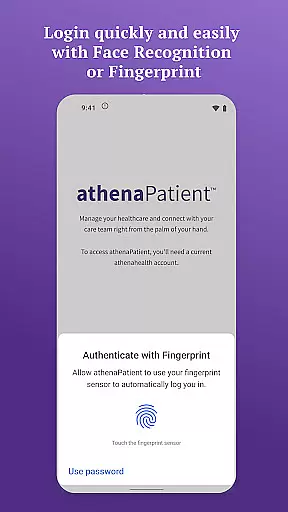
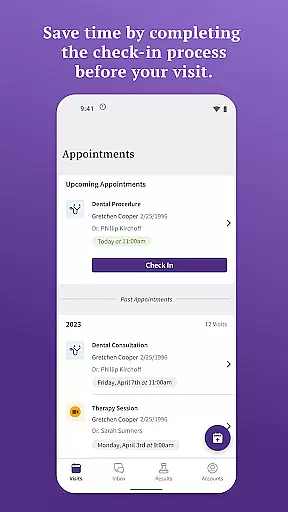
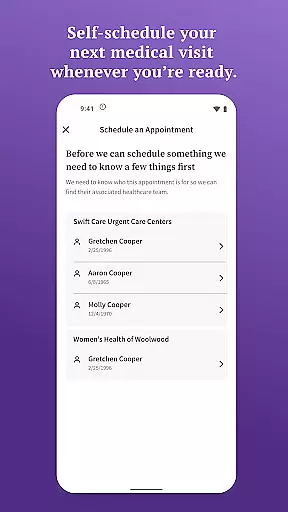
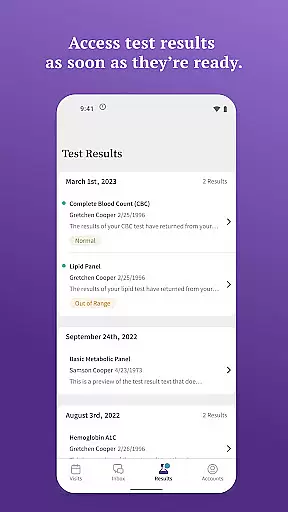
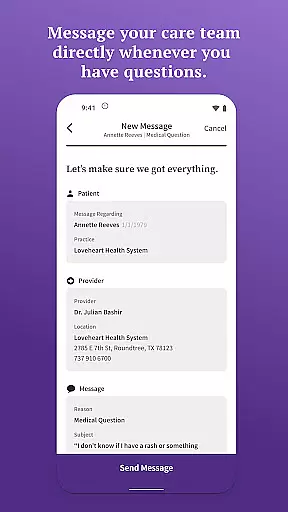
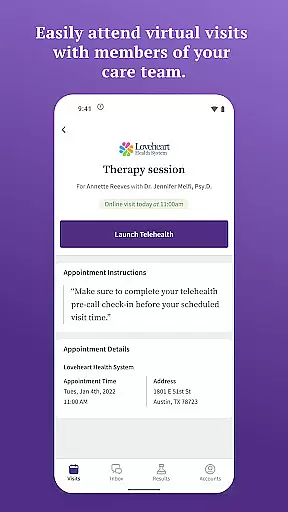
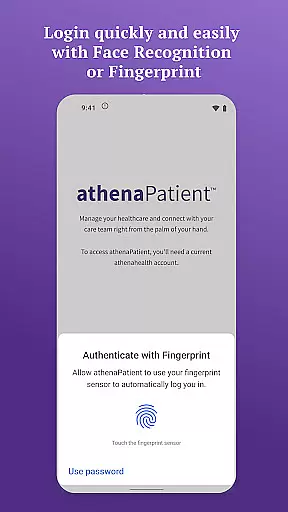
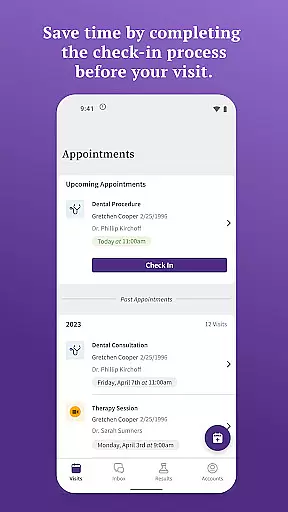
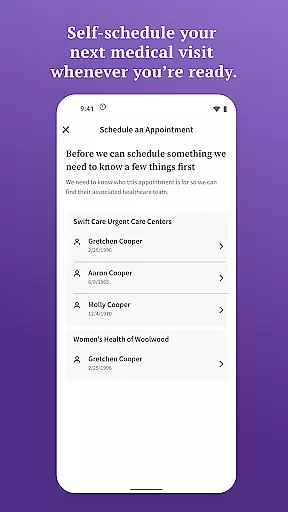
athenaPatient is a secure mobile application designed specifically for patients to access their health information and communicate with their care team conveniently. The app offers quick login through facial recognition and touch ID, ensuring both ease of use and data security. Patients can view test results, message their care team, self-schedule appointments, check in before visits, attend virtual visits, and get directions to appointments.
This app is particularly useful for individuals who need to manage their healthcare on the go. By providing instant access to medical records and enabling direct communication with healthcare providers, athenaPatient empowers users to take control of their health management efficiently and effectively.
One of the standout features of athenaPatient is its comprehensive suite of tools that enhance patient engagement. Users can log in quickly using advanced biometric authentication methods like facial recognition and touch ID, which not only streamline the login process but also add an extra layer of security.
The app allows patients to view various test results as soon as they are available, send secure messages to their care team, book appointments beyond regular office hours, complete pre-visit documentation, and attend telehealth visits. These functionalities ensure that patients remain informed and connected with their healthcare providers at all times.
Additionally, athenaPatient provides practical features such as driving directions to medical appointments, making it easier for patients to navigate to their healthcare facilities. This combination of convenience and functionality makes athenaPatient a valuable tool for modern healthcare management.
In the realm of digital health, the credibility of medical content is paramount. athenaPatient ensures that all information accessed through its platform is verified and comes directly from healthcare providers on the athenahealth network. This guarantees that patients receive accurate, up-to-date, and reliable health data.
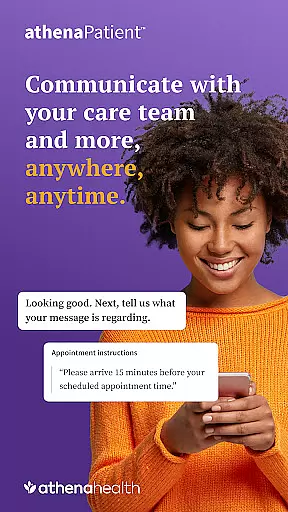
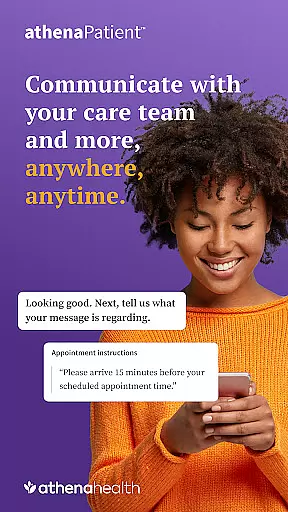
The app facilitates direct communication with care teams, allowing users to message their healthcare providers with any questions or concerns. This feature not only enhances patient engagement but also ensures that any advice or clarification received is from qualified medical professionals.
Furthermore, athenaPatient provides access to lab results, imaging, and other medical test outcomes as soon as they are available. This immediate access to personal health information empowers patients to make informed decisions about their care, backed by expert-reviewed data.
Teleconsultations have become an essential part of modern healthcare, offering convenience without compromising on quality. athenaPatient excels in providing high-quality virtual visits with members of the care team, ensuring that patients receive the same level of attention and care as they would during in-person consultations.
The app supports telehealth visits through athenaTelehealth, provided the healthcare provider offers this service. Patients can easily initiate and attend these virtual appointments, making healthcare more accessible and efficient.
Additionally, features such as self-scheduling and check-in before visits streamline the consultation process. These functionalities not only save time but also enhance the overall quality of teleconsultations by allowing patients to prepare necessary documentation in advance, thus focusing more on the consultation itself.
User-friendly interface
Secure login options
Comprehensive health records
Direct messaging with care team
Virtual visit capabilities
Limited to athenahealth network
Requires existing portal account
Some features provider-dependent
US-only availability
Potential technical issues

The OptumRx app empowers you to become an advocate of your pharmacy benefits.
 4.40
4.40
World's largest contact lens store
4.60
Patient Health Portal
4.20
One app to unlock your health
4.30
Download the PulsePoint app and use your CPR skills to save a life!
4.60
Personalized hearing experience and health data tracking
4.50
Medication reminder, Medicine list, Trackers for BP, glucose, weight, water, etc
4.70
Your donation experience just got smoother; Donor Hub is your go-to place.
4.70
Manage your health care in one easy place
4.40
CPR Timer for High Performance AHA BLS / ACLS
5.00
A comprehensive 3D atlas of the human body
4.80
Leafly is a weed app for finding dispensaries, cannabis strains, & more.
4.70
Easy telehealth appointments + urgent care
4.70
Save up to 80% on your pharmacy prescriptions & medications with free Rx coupons
4.70
Beat alcohol and drug addiction with a revolutionary treatment program in an app
4.50
Molina Members: My Molina. Manage your health anytime, anywhere!
4.30
Use the phone microphone or headset mic as sound amplifier for louder hearing.
4.30
Crush your paramedic exam with NREMT-style tests, ECGs, and top-tier prep!
3.90
MySafeRide simplifies booking and managing rides for health plan members.
3.50


User Reviews