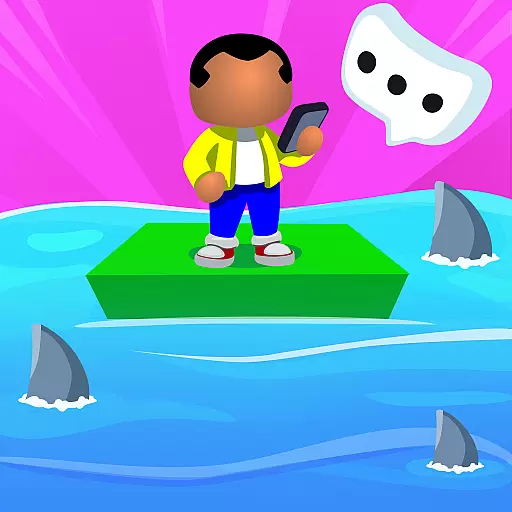
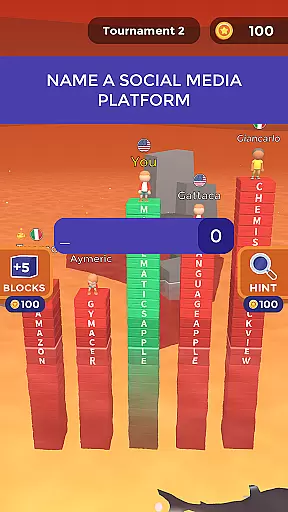
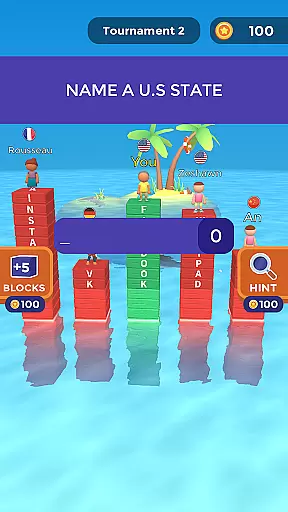
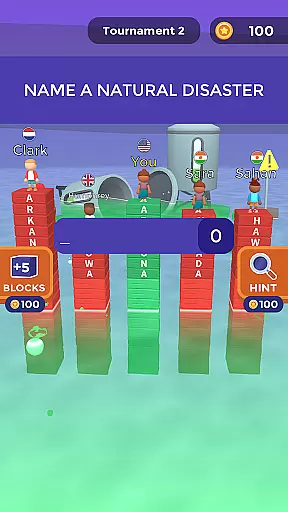
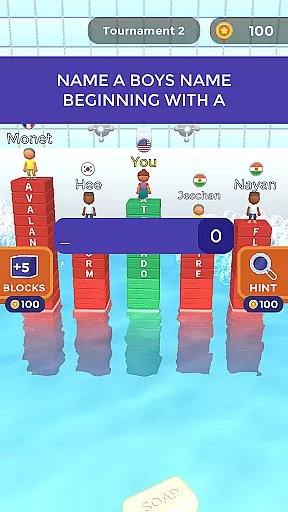
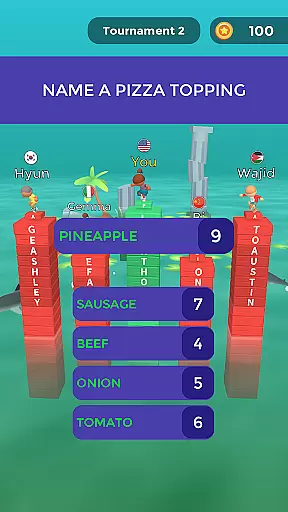
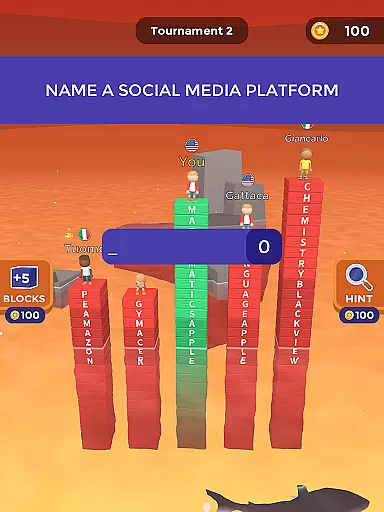
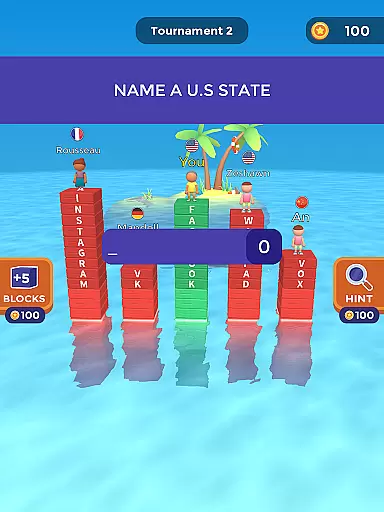
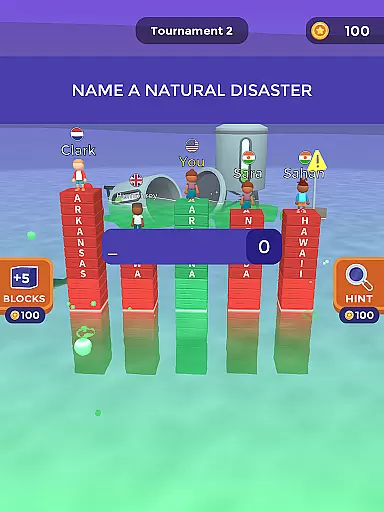
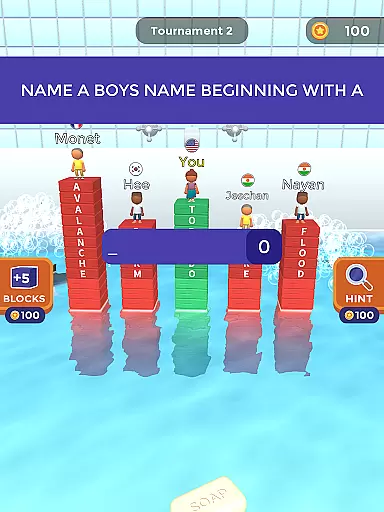
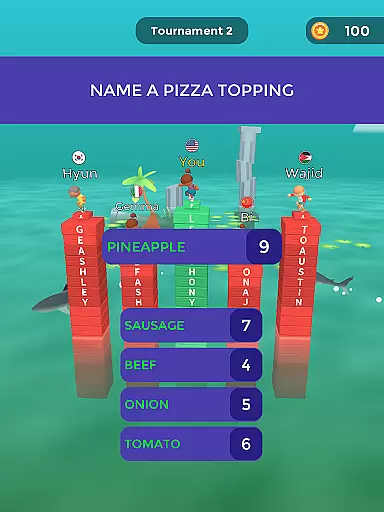
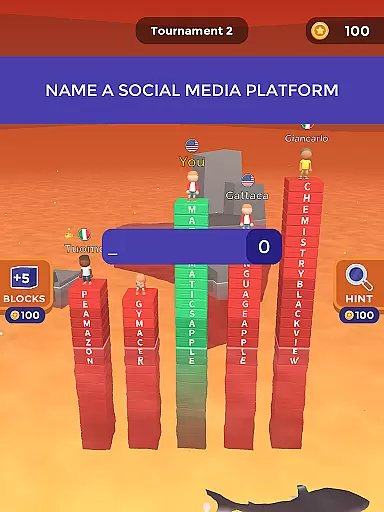
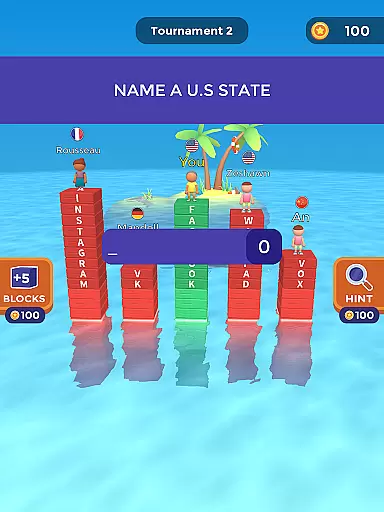
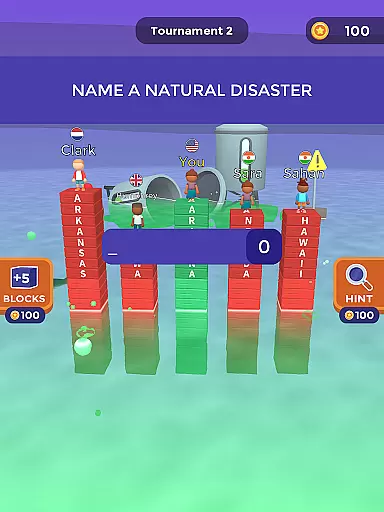
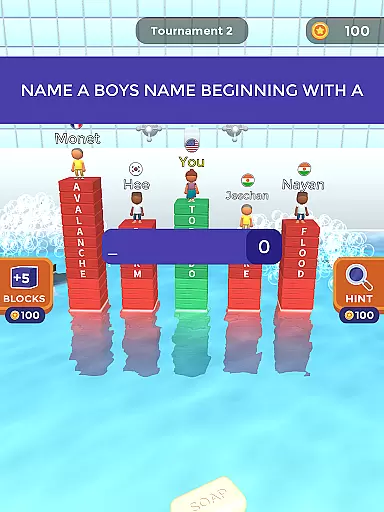
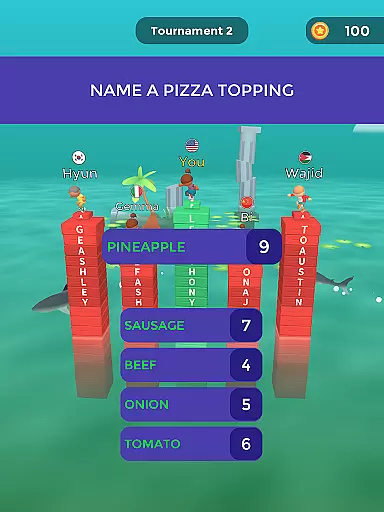
Text or Die is an engaging trivia-based typing game that challenges players to outlast opponents by crafting the longest answers possible. The core gameplay revolves around answering questions quickly and accurately to build virtual towers, helping players escape rising waters. This unique approach combines elements of competition, survival, and wordplay, making it both entertaining and mentally stimulating.
Beyond its basic premise, the game offers additional features such as unlockable characters, items, and blocks, which enhance replayability. Players can also utilize strategic elements like hints and pirate attacks to gain advantages over rivals. With its addictive gameplay loop and progressively challenging rounds, Text or Die provides a compelling experience for trivia enthusiasts and casual gamers alike.
The app's appeal lies in its ability to combine education with entertainment. By encouraging players to think critically and type efficiently, it serves as an excellent tool for improving vocabulary, spelling, and typing skills. Whether competing in tournaments or practicing solo, users will find themselves immersed in this innovative trivia challenge that rewards quick thinking and strategic planning.
Text or Die distinguishes itself through several key features that enhance the overall gaming experience. First and foremost is its tournament system, where players compete against others in real-time typing challenges. Each round presents increasingly difficult questions, requiring participants to craft longer and more complex answers while managing their time effectively against rising water levels.
A notable aspect of the game is its progression system, which allows players to unlock various rewards including unique characters, decorative items, and special blocks. These cosmetic upgrades not only personalize the gaming experience but also provide motivation for continued play. Additionally, the game incorporates strategic elements such as hint systems and pirate attacks, enabling players to influence matches in their favor when falling behind.
The app also includes bonus levels that test players' typing speed and vocabulary breadth through rapid-fire word generation challenges. These special rounds offer opportunities to earn significant rewards while providing a break from the main tournament structure. Furthermore, the developers actively incorporate player feedback to refine the word database and improve overall game balance, ensuring a continually evolving and fair competitive environment.
In Text or Die, the authenticity and accuracy of questions are crucial for an engaging trivia experience. The game challenges players to think critically and creatively, ensuring that each question is not only accurate but also thought-provoking.
The game's design encourages players to provide the longest answers possible, which requires a deep understanding of the questions asked. This approach not only tests players' knowledge but also their ability to articulate comprehensive responses under pressure.
Players benefit from this feature by enhancing their cognitive skills, as they must quickly generate lengthy and precise answers. This process improves both their typing speed and their capacity for detailed thought, making each gaming session a valuable learning experience.
Ultimately, the emphasis on question authenticity and accuracy in Text or Die ensures that players are not just passively participating but are actively engaged in a mentally stimulating activity that rewards depth and precision.
Text or Die offers a dynamic difficulty adaptation system that adjusts to each player's skill level, providing a personalized challenge that keeps the game exciting and accessible. This adaptive difficulty ensures that players of all levels can enjoy the game without feeling overwhelmed or underwhelmed.
The game monitors player performance in real-time, modifying the complexity of questions based on their previous answers. If a player consistently provides long and accurate responses, the game introduces more challenging questions to maintain a balanced level of difficulty.
This feature benefits players by keeping them engaged and motivated to improve. As they progress, they encounter increasingly difficult questions that push their limits, encouraging continuous skill development and mastery of the game.
By incorporating a robust difficulty adaptation system, Text or Die ensures that every player experiences a tailored and rewarding journey, fostering a competitive yet enjoyable environment that adapts to individual growth and proficiency.
Engaging gameplay mechanics
Extensive customization options
Real-time multiplayer tournaments
Educational value through typing practice
Regular content updates
Occasional server connectivity issues
Some features require in-app purchases
Steep learning curve for beginners
Limited social interaction features
Repetitive gameplay elements

Fill The Bottles By Sorting The Colored Water, Water Sort & Color Sort Game.
 4.40
4.40
Can you guess all the logos? Try our fun addictive logo game trivia now!
4.80
Color by number celebrating Black beauty! Vibrant skin tones coloring games!
4.80
How well do you know your Movie Trivia? Test your movie knowledge!!!
4.4
Get ready for laughs and wild guesses in this hilarious mobile guessing game.
4.5
A joyful new pack of hilarious trivia, drawing, music and strategy party games
2.00
Find 5 popular answers. Guess what people say to fill in the blanks. Guess Up!
4.80
Tricky puzzle Brain Test returns with story riddles, mind games and brain games!
4.80
Newly word puzzle games! Guess the quiz and challenge your brain
4.80
Test your knowledge daily with Bible quiz questions and engaging trivia!
4.90
Play Trivia, compete with your nemeses, and turn a good night into a great one.
4.70
Try the latest word game! Find the 5 popular words that people think of.
4.70
Train your brain, connect, study, find, and guess the answer in this puzzle!
4.60
Adult party game for friends and couples with spin the bottle challenges
4.60
Play Trivia Games with Fun Frenzy Trivia! Guess Popular answers and score big!
4.50
Party Lab: Expose your friends with dirty exposed games! Party in my dorm (PIMD)
4.30
Draw, guess, win and have fun playing online with friends!
4.10
Play Family Feud just like the show! With 4 game modes, play any way you’d like!
3.50
Test your cryptocurrency knowledge with daily trivia questions
4.4


User Reviews