Spirit Talker

4.40

Information

Category:

Lifestyle

Price:

$ 5.49

Rank:

1

Rating:

4.40

Overview

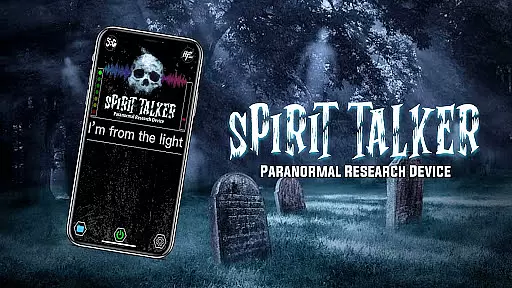
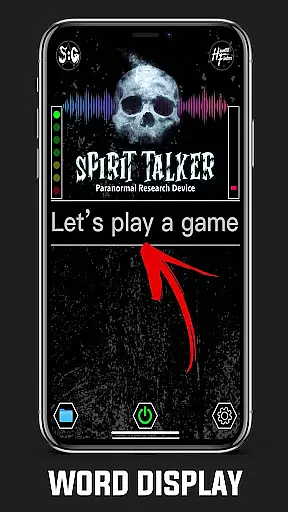
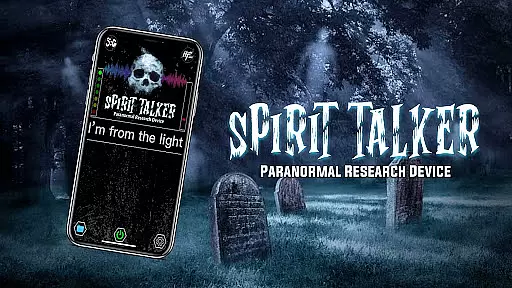
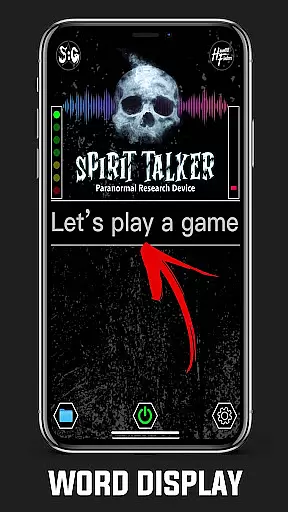
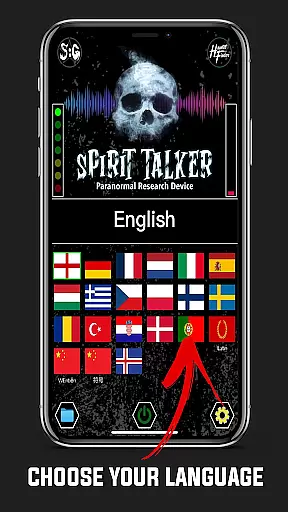
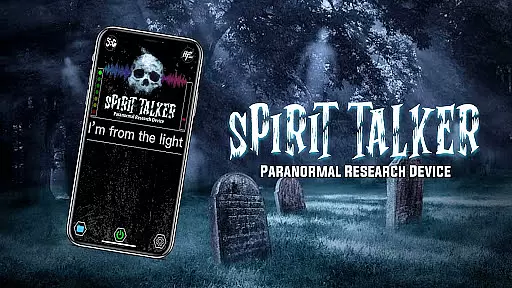
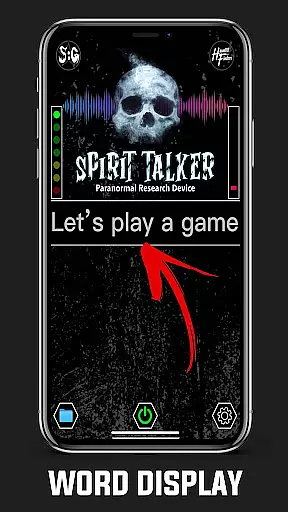
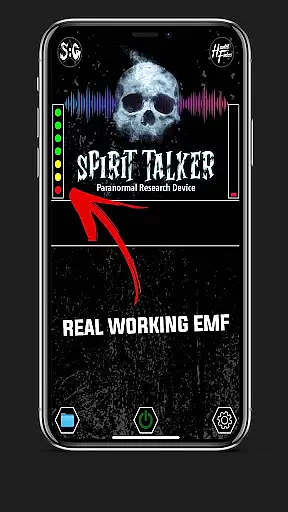
Spirit Talker is a pioneering paranormal communication application that enables users to potentially interact with spirits through their mobile devices environmental sensors The app functions similarly to the Ovilus device but incorporates unique research and theories allowing spirits to manipulate sensor data to form words and phrases This innovative tool offers real-time responses in multiple languages including English Latin French and German making it accessible to a global audience Spirit Talker can be used on both Android and iOS platforms providing a versatile solution for paranormal enthusiasts One of its standout features is the use of real sensor data ensuring that all responses are based on actual environmental changes rather than random generation Additionally the app allows users to save and review past sessions enhancing the investigative experience Overall Spirit Talker serves as an excellent resource for those interested in exploring paranormal phenomena

Features

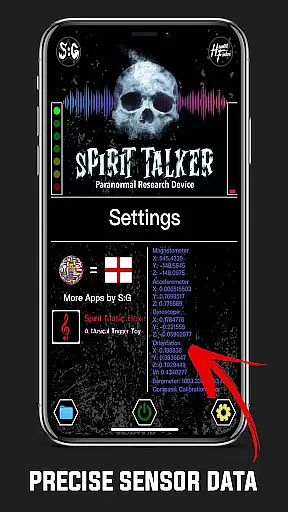
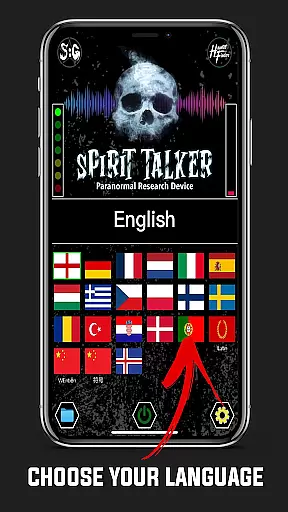
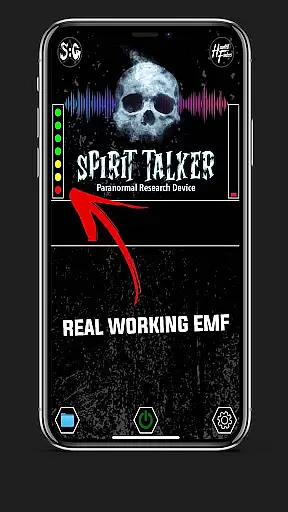
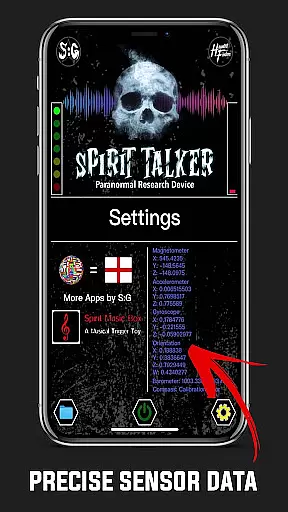
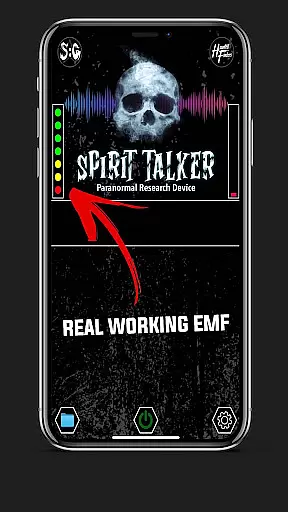
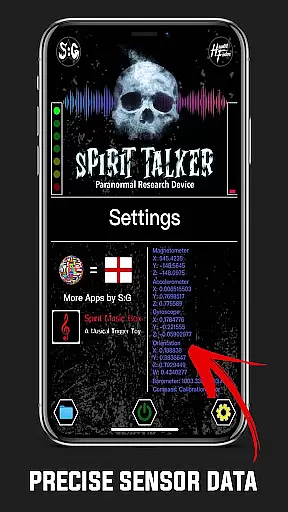
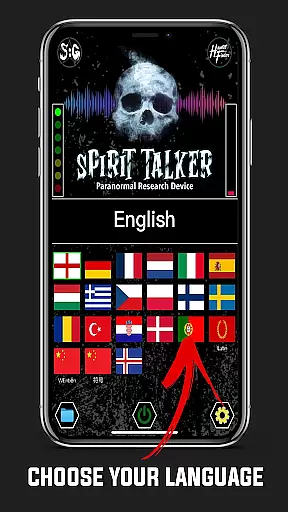
Spirit Talker stands out as a feature-rich paranormal communication tool Here are five notable aspects 1 Real-Time Sensor Interaction - The app utilizes multiple device sensors such as magnetometer accelerometer and gyroscope to detect potential spirit interactions providing users with authentic responses based on environmental changes 2 Multi-Language Support - With support for over 20 languages including English Chinese and various European languages Spirit Talker caters to a diverse international audience enhancing accessibility for global users 3 Session Recording and Playback - Users can save their communication sessions and review past messages through a dedicated folder feature allowing for thorough analysis and documentation of paranormal investigations 4 User-Friendly Interface - The straightforward four-step process of starting a session asking questions receiving responses and saving results makes the app easy to use even for beginners in paranormal exploration 5 Google Text-to-Speech Integration - By incorporating Google Text-to-Speech functionality Spirit Talker provides audible responses creating a more immersive and interactive experience during sessions

Lifestyle category coverage

Spirit Talker offers extensive coverage of the paranormal lifestyle category, making it a unique addition to the Lifestyle app genre. The application is designed not just as a tool but as an immersive experience for those interested in spirit communication and paranormal exploration.

The app leverages multiple sensors within your device - such as the magnetometer, accelerometer, gyroscope, and more - to detect environmental changes that could indicate spirit interactions. This comprehensive use of technology provides users with varied ways to potentially communicate with the other side, covering different aspects of paranormal investigation.

Moreover, Spirit Talker supports multi-language responses, including English, Latin, French, German, and Chinese among others. This feature ensures that users from diverse linguistic backgrounds can engage with the app effectively, thus broadening its appeal across different cultures and expanding its lifestyle category coverage.

Content authenticity & expert credibility

In the realm of paranormal apps, content authenticity is paramount, and Spirit Talker prides itself on being the original and most trusted app for spirit communication. It was developed based on independent research and unique theories, distinguishing itself from imitations and ensuring users receive genuine experiences.

The app's credibility is further reinforced by its association with popular paranormal shows and personalities like Sam and Colby, WWE, and others. These affiliations not only enhance the trustworthiness of Spirit Talker but also provide expert validation of its methods and results.

Additionally, Spirit Talker emphasizes responsible usage through disclaimers and terms, underlining that any generated words or phrases should not be taken as advice for critical decisions. By doing so, it maintains transparency about the speculative nature of paranormal activities while still offering enthusiasts a platform to explore this intriguing aspect of the Lifestyle category.

FAQs

What is this app and what can I use it for?

Spirit Talker is a paranormal communication app that allows users to potentially interact with spirits through environmental sensors It provides real-time responses based on sensor data

How do I download and install this app on my device?

Download Spirit Talker from Google Play Store or Apple App Store Locate the app in your devices store search for Spirit Talker and follow the installation prompts

How do I get started after opening the app for the first time?

After opening tap Start to begin a session Ask questions aloud and receive spoken or text responses Tap Stop when finished and review saved sessions via the folder icon

What are the main features and capabilities of this app?

Key features include real-time sensor interaction multi-language support session recording playback and Google Text-to-Speech integration for audible responses

How can I customize my experience and adjust preferences?

Customize your experience by selecting preferred languages adjusting voice settings through Google Text-to-Speech and choosing specific sensors for interaction

How do I save or bookmark my favorite content for later access?

Save favorite content by ending a session Responses are automatically stored Access them later through the folder icon available when the scanner is stopped

How can I share content with friends or on social media?

Share findings by manually copying responses or taking screenshots There is no direct social media integration within the app

How do I access detailed information and explore more content?

Access detailed information by reviewing past sessions through the folder icon Explore additional content via the apps official website and linked resources

What permissions does this app need and how do I manage them?

The app requires sensor permissions like magnetometer and accelerometer Manage these permissions through your devices settings under app permissions

How do I check for updates and keep the app running smoothly?

Check for updates through your devices app store Update regularly to ensure smooth performance and access new features or improvements
Show more

User Reviews

{{ comment.reviewer_name }}
{{ comment.review_date_formatted}}
{{ comment.review_content }}
{{ tab.name }}
{{ comment.reviewer_name }}
{{ comment.review_date_formatted}}
{{ comment.review_content }}
No reviews with this rating


















