
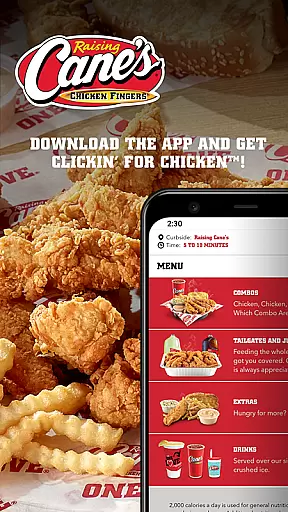
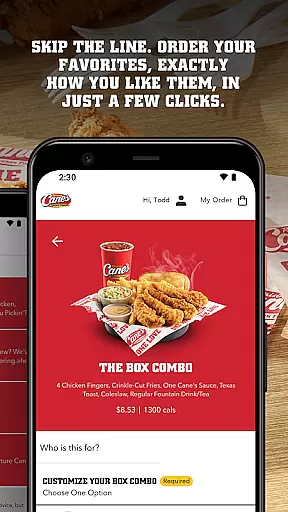
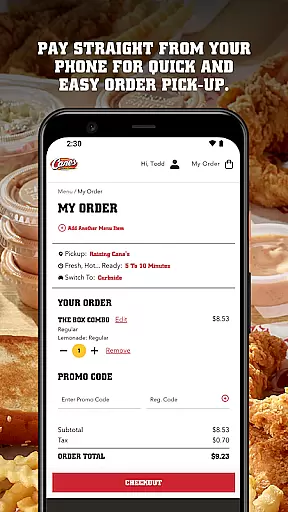
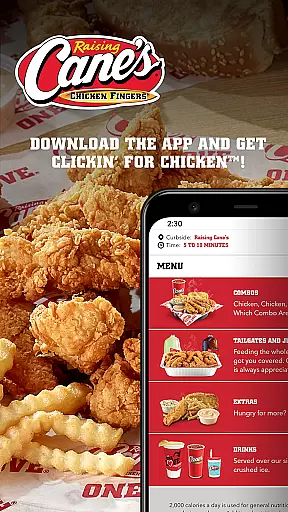
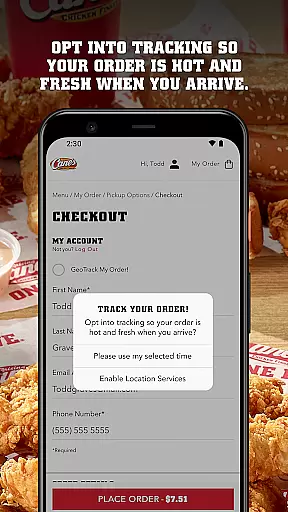
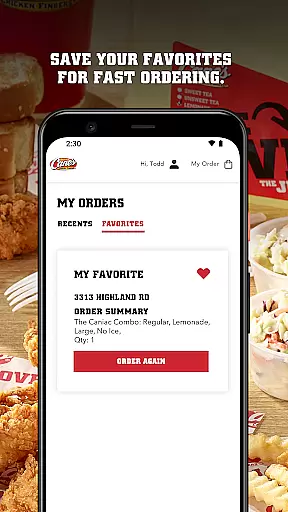
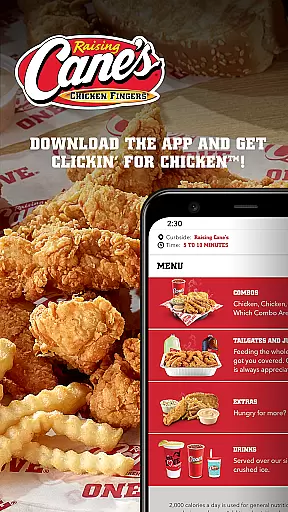
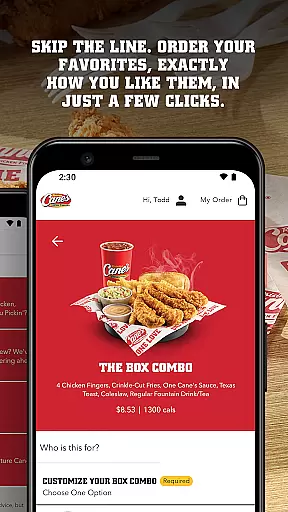
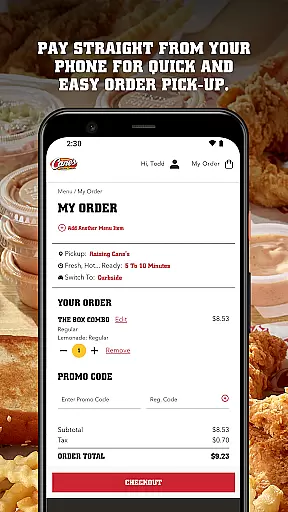
Raising Cane's Chicken Fingers app is the ultimate solution for ordering their signature One Love® chicken finger meals. Designed specifically for food lovers, this app allows users to skip long lines by ordering ahead and paying directly through their mobile devices. The app ensures that customers receive fresh, hot chicken every time they pick up their orders.
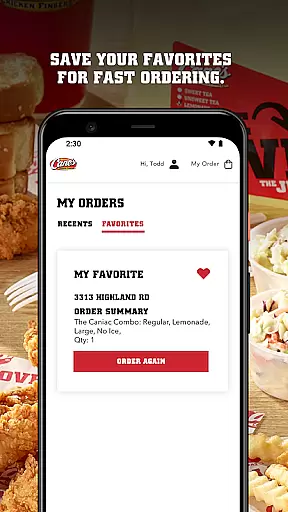
With features like quick reordering and tasty tracking, Raising Cane's makes it easy to enjoy your favorite meals exactly how you like them. Whether you're a regular customer or trying Raising Cane's for the first time, this app provides a seamless experience from order to pick-up, enhancing your dining convenience.
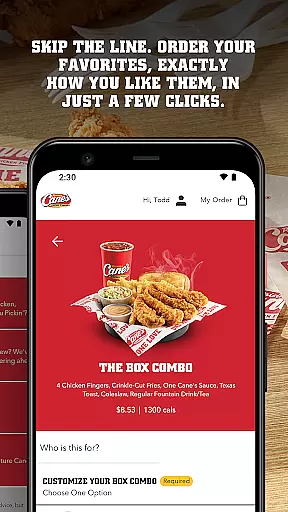
The Raising Cane's app offers several standout features that enhance the user experience. First, the Order Ahead functionality lets you customize and place your order with just a few taps, ensuring your meal is prepared exactly as you prefer. Additionally, the Pay Ahead feature allows for swift transactions, making the pick-up process hassle-free.
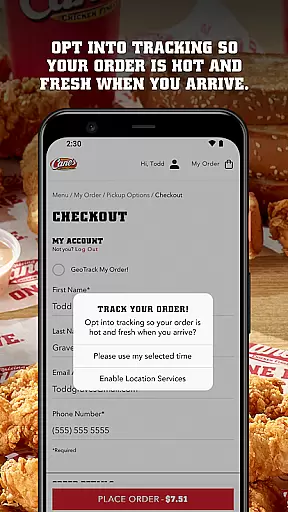
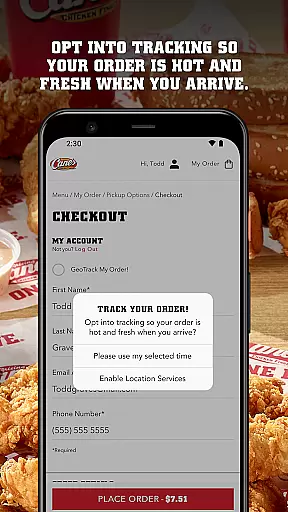
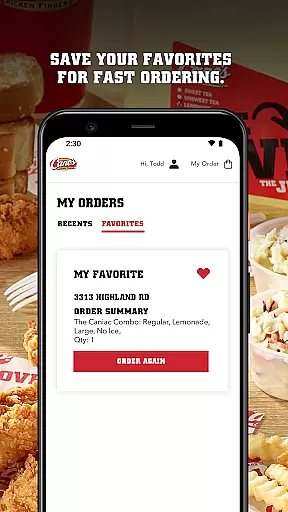
Another notable feature is Tasty Tracking, which keeps you updated on the status of your order, ensuring your food is fresh upon arrival. Quick Reordering saves your favorite meals for faster future orders, streamlining the entire process. These features collectively provide a convenient and efficient way to enjoy Raising Cane's delicious offerings.
Locating your nearest Raising Cane's Chicken Fingers is effortless with the app's store locator feature. This functionality ensures that you can find a location no matter where you are, providing accurate and up-to-date information on all branches.
The app provides essential details such as operating hours, address, and contact information for each store. This makes planning your visit straightforward and efficient, ensuring you know exactly when and where to pick up your order.
Additionally, the integration of maps within the app offers seamless navigation to your chosen store. With real-time directions and estimated travel times, getting to your nearest Raising Cane's has never been easier or more reliable.
Raising Cane's app excels in offering flexible delivery and pickup options tailored to fit your busy lifestyle. Whether you prefer to have your meal delivered to your doorstep or opt for a quick pick-up, the app caters to your needs efficiently.
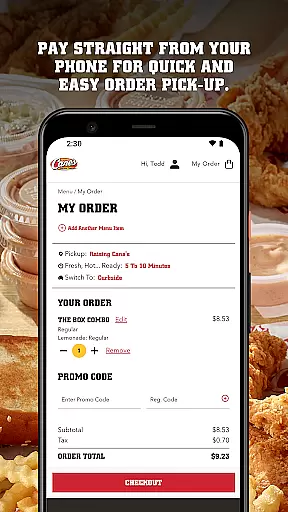
For pickup orders, the Pay Ahead feature allows you to skip the line entirely. By paying directly through the app, you ensure a swift and hassle-free experience when collecting your food. This feature not only saves time but also guarantees that your meal is prepared fresh and hot upon your arrival.
Moreover, the Tasty Tracking system keeps you informed about the status of your order, ensuring it's ready exactly when you are. This level of transparency and convenience enhances your overall experience, making every interaction with Raising Cane's smooth and satisfying.
User-friendly interface
Fast ordering process
Secure payment options
Order customization
Fresh food guarantee
Limited to Raising Cane's menu
No delivery option
Occasional bugs
Location restrictions
Requires internet

The fast and practical app to help you make the best cocktails at home!
 4.60
4.60
Delicious cocktail recipes you can make with ingredients you already have.
4.40
Easily Order, Earn Crumbs & Unlock Rewards!
4.80
Mobile Ordering - Order your favorite burgers, chicken, breakfast, and desserts
4.60
Order ahead. Earn Delicious Rewards.
3.20
Bringing a piece of Louisiana to your fingertips!
4.90
Mexican Food Pickup & Delivery
4.70
Get Rewards, Easy Ordering & Exclusive Offers
4.70
Not just food delivery. Shop for groceries from local supermarkets to your door.
4.60
Restaurant Reservations
4.90
Sweeten the season!
4.90
Save at the pump AND in store with deals on gas, snacks & drinks at Murphy USA.
4.80
Conveniently order food ahead and avoid the wait at your favorite Jersey Mike's.
4.80
Order ahead at your favorite restaurants.
4.70
Order for Pickup and Delivery
4.70
Get food, grocery, and retail essentials delivered fast with DoorDash.
4.70
Choose From A Wide Array of Wines, Spirits, Beers & More
4.60
NEW digital gift cards available in exclusive designs!
4.60
Your most rewarding experience is in the Cracker Barrel app.
4.20


User Reviews