
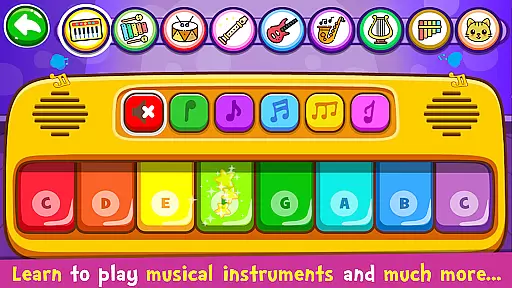
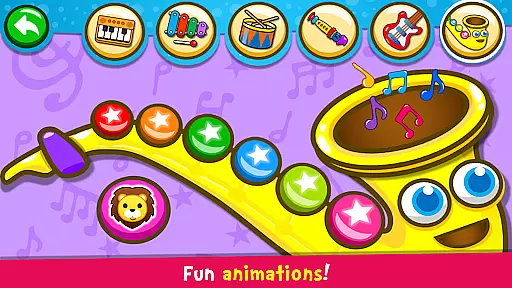
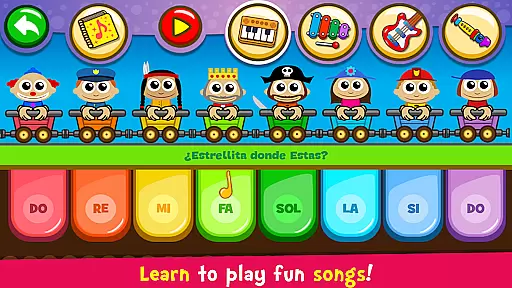
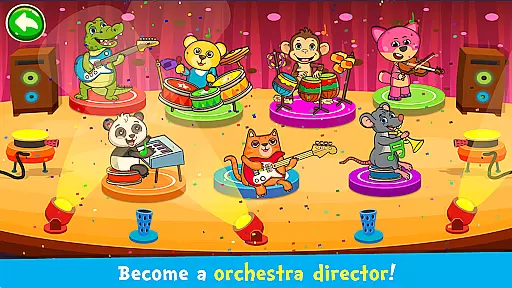
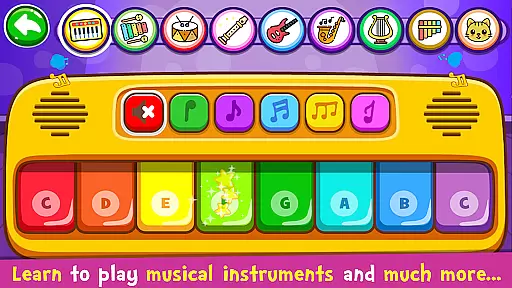
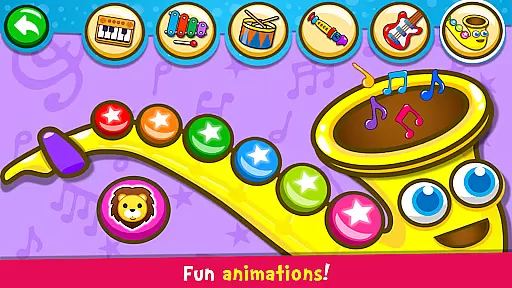
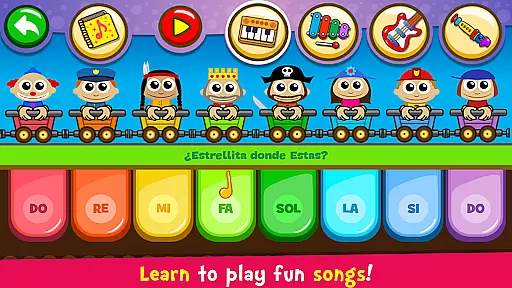
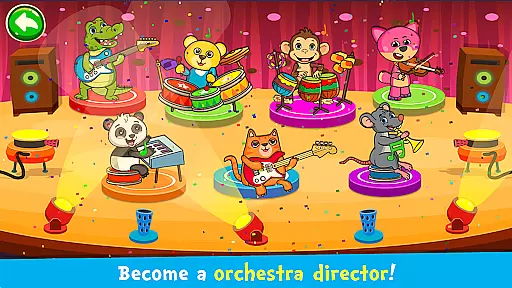
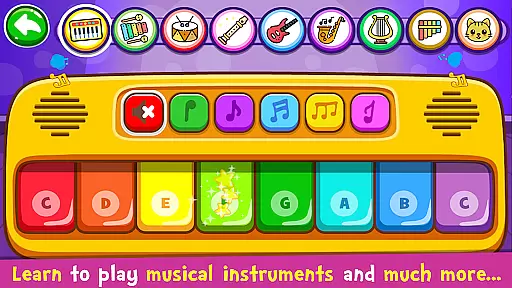
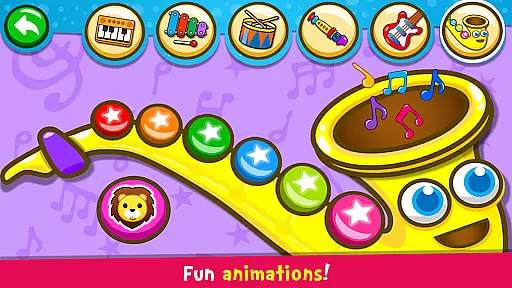
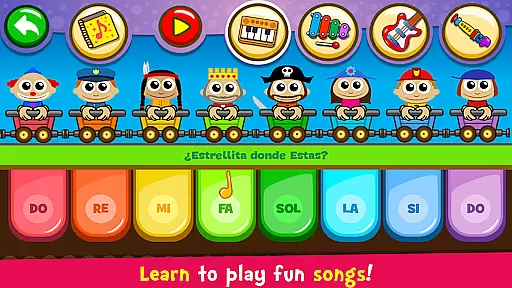
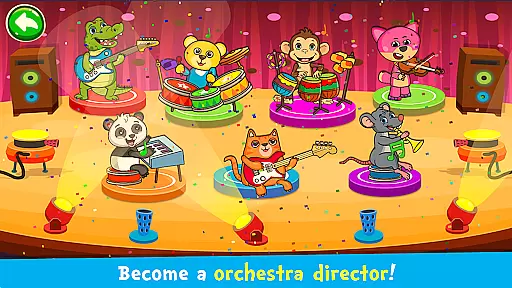
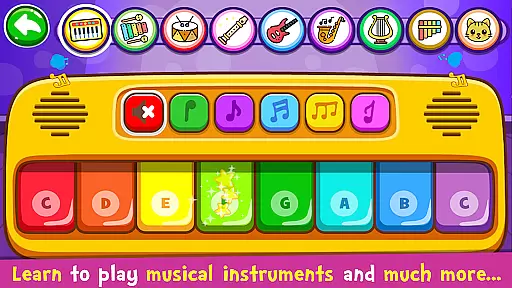
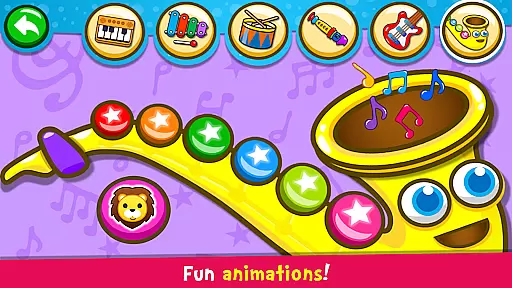
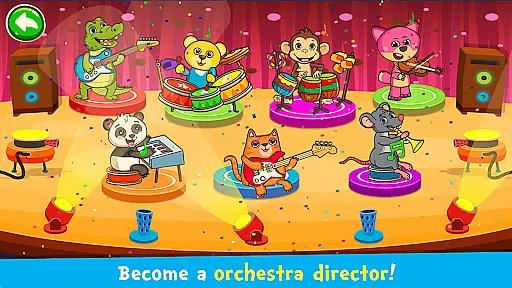
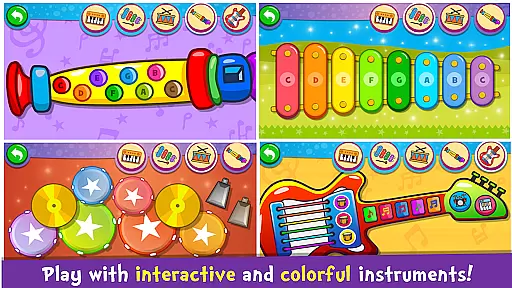
Piano Kids - Music & Songs is an engaging music education app designed specifically for children and parents to explore the world of musical instruments. This app offers a variety of virtual instruments including piano, xylophone, drums, saxophone, trumpet, flute, and electric guitar, each with authentic sounds. Children can use their fingers to play these colorful instruments on their phone or tablet, providing an interactive way to learn music.
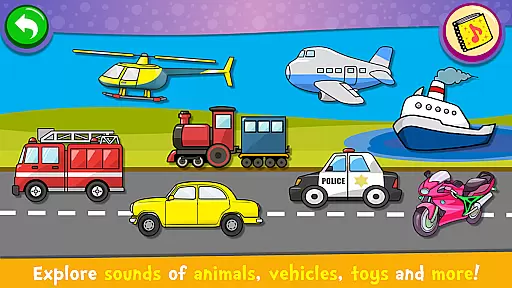
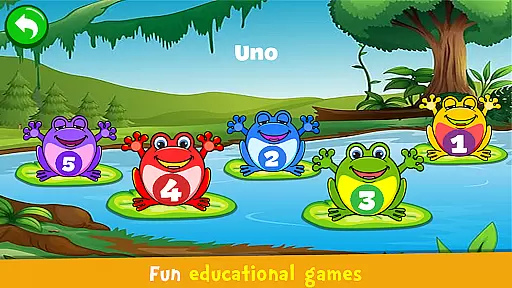
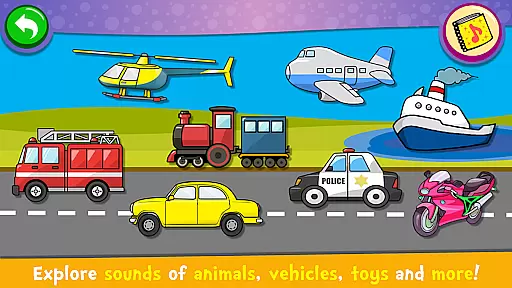
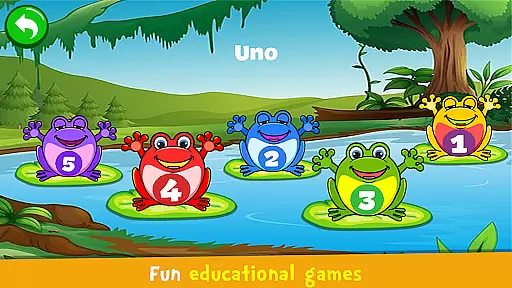
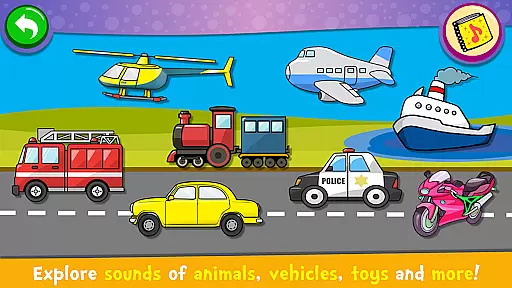
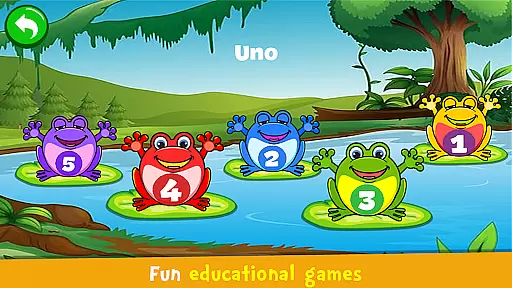
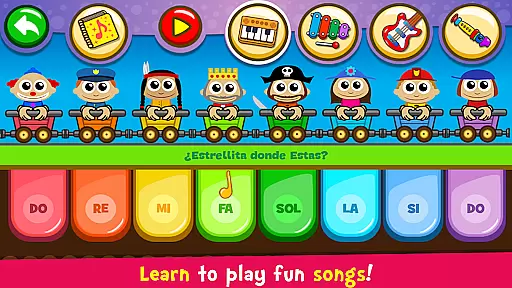
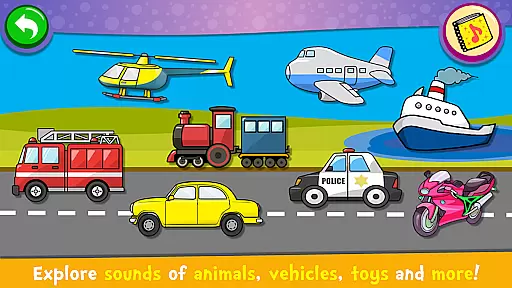
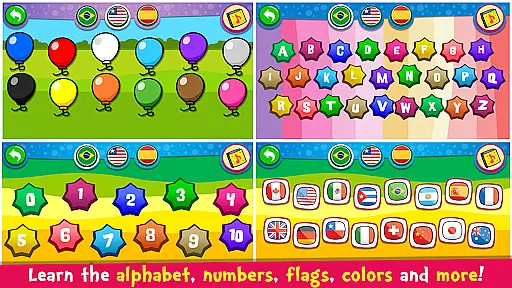
The app features four distinct modes: Instruments, Songs, Sounds, and Play. The Instruments mode lets kids experiment with different instruments and compose their own melodies. In Songs mode, children can learn to play popular songs using guided assistance. Sounds mode helps kids familiarize themselves with everyday sounds and learn the pronunciation of colors, numbers, and letters in multiple languages. Lastly, the Play mode includes educational games that aid in learning through music.
Beyond just music, Piano Kids aims to enhance memory, concentration, imagination, creativity, motor skills, intellect, sensory, and speech development. It provides a fun family activity where everyone can participate in developing musical talent and composing songs together. With its colorful interface and exciting games, this app makes learning music an enjoyable experience for toddlers and young children.
Piano Kids - Music & Songs stands out with its diverse range of features tailored to engage and educate young minds. One of its key features is the inclusion of high-quality, realistic instrument sounds such as piano, xylophone, acoustic guitar, saxophone, drums, and flute. These authentic sounds provide an immersive experience for children as they learn to play different instruments.
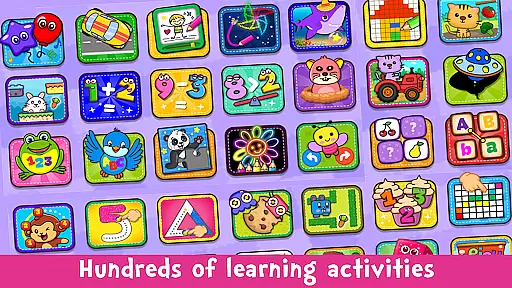
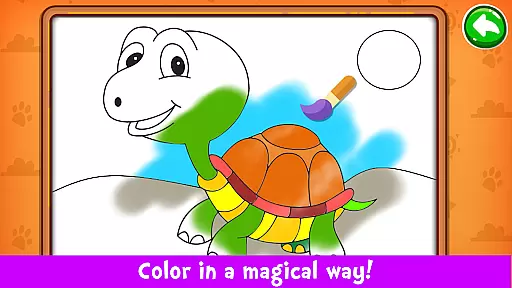
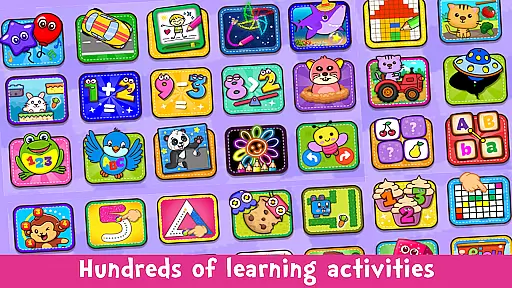
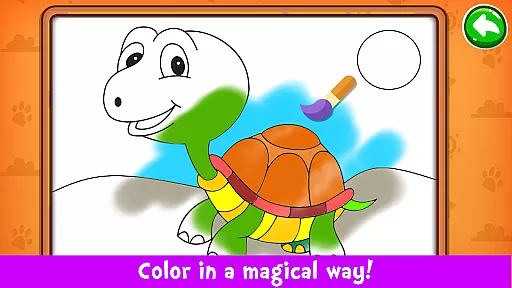
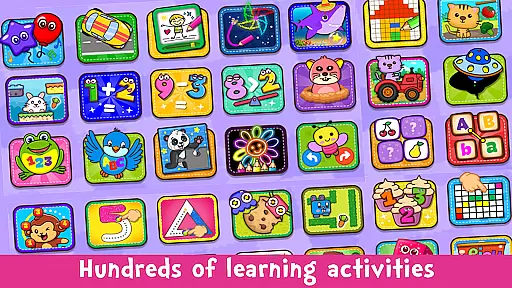
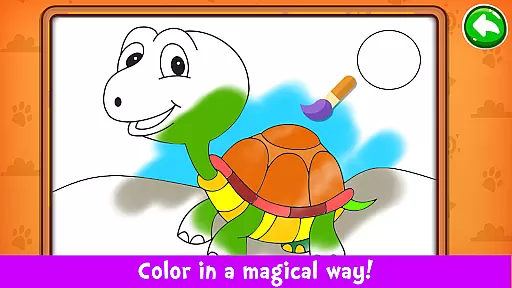
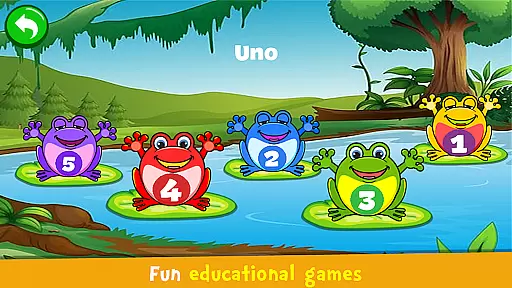
The app offers four unique game modes to cater to various learning styles. In Instruments mode, children can freely experiment with creating melodies on different instruments. Songs mode includes 30 famous songs and an Auto Play feature that guides kids through learning these melodies. Sounds mode allows exploration of various object sounds and teaches pronunciation of colors, numbers, and letters in English, Spanish, and Portuguese. Additionally, the Play mode incorporates educational games that cover counting, the alphabet, puzzles, drawing, coloring, and more.
Other notable features include the intuitive interface designed for ease of use, the option to choose between DO-RE-MI or CDE scales, and the completely free access to all functionalities. These features collectively contribute to making Piano Kids a comprehensive tool for early childhood musical education and cognitive development.
Rhythm judgment precision is crucial for a music-based application like Piano Kids - Music & Songs, as it ensures that the beats and notes played by children are accurately captured and assessed. This app excels in providing real-time feedback on rhythm accuracy, allowing kids to learn the nuances of timing and tempo.
The app's interface is designed to be intuitive, with visual cues that help children understand when they hit the correct notes at the right time. The colorful instruments respond instantly to touch, reinforcing the connection between action and sound. This responsiveness aids in developing a child's ability to keep time with the music.
By engaging with the Songs mode, children can follow along with famous songs and receive guidance through an 'Auto Play' feature. This not only teaches them about rhythm but also melody, helping them to recognize patterns and sequences within music. Such features enhance their musical skills while making learning enjoyable.
Ultimately, the precise rhythm judgment offered by Piano Kids - Music & Songs supports the overall development of a child's musical talent. With consistent practice, children can improve their concentration and memory, which translates into better performance when playing musical instruments or composing their own songs.
A diverse and high-quality music library is essential for an educational music app such as Piano Kids - Music & Songs. It provides a wide array of sounds from authentic instruments like pianos, guitars, and xylophones, which are critical for a realistic and immersive learning experience.
This app boasts a rich collection of 30 famous songs that children can learn to play. Each song is presented with high-quality instrument sounds, ensuring that kids receive an accurate representation of what each piece should sound like. This exposure helps cultivate a refined ear for music and encourages appreciation for different genres.
In addition to well-known tunes, the app offers various modes including Sounds, where children explore everyday noises and language pronunciations. This variety enriches their auditory perception and broadens their understanding of different sounds beyond traditional music.
With its comprehensive music library, Piano Kids - Music & Songs fosters creativity and exploration. Children can experiment with composing melodies or even creating harmonies, all while being supported by clear, crisp audio that inspires them to continue their musical journey.
User-friendly interface
Multiple language support
High-quality instrument sounds
Engaging educational games
Completely free to use
Limited advanced features
No social sharing options
Ads may interrupt gameplay
Occasional sound glitches
Simple graphics design
Be a Magic Pianist: POP & Classic Songs
 4.30
4.30
Makeover yourself,Enjoy your dress&hair with rhythm!
4.40
Beat tiles music game
4.70
Hop the kitty ball on color tiles with latest hits! Collect cute singing animals
4.50
Follow the music to slide the skateboard & wield the lightsaber
4.40
Beat rap and dance battle with Sprunki friends in funky nights!
4.80
Enjoy the fun of cat hop on piano tiles, feel the rhythm of bouncing and dancing
4.50
Gameplay Powered by YOUR Music!
3.70
Feel The Rhythm? Tap Tiles To Win! Enjoy The Ultimate Hit Playlist Only For You
4.70
Feel the Rhythm. Race the Galaxy!
4.80
Immersive piano tiles rhythm game! Tap to the beats of Hip-Hop and EDM songs.
4.70
Keep the music ball running and hopping on the color tiles! Ready? Game start!
4.70
Fight with Boyfriend in Friday Night Funkin Music Battle & Rock the beat FNF
4.50
The original Piano Tiles game is back. Play fun music rhythm games at a party.
4.50
Piano game with popular songs. Enjoy the fun of music games and K-pop games!
4.50
Bounce the ball on music tiles to the beat of trending songs! Feel the magic!
4.50
Kawaii dog, cat, animals buddies duet. Fun relaxing game from Magic Tiles team.
4.30
Ball jump tiles music game in 3D scene
4.10
Merge powerful demons and run through thrilling challenges.
4.00


User Reviews