
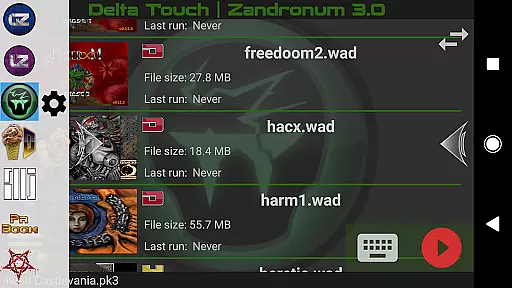
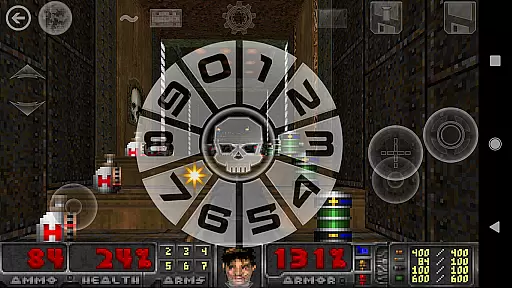
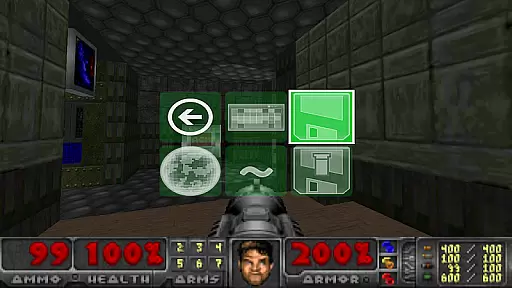
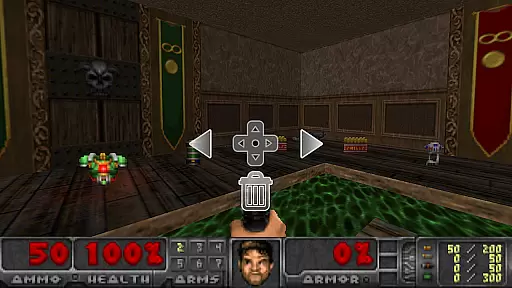
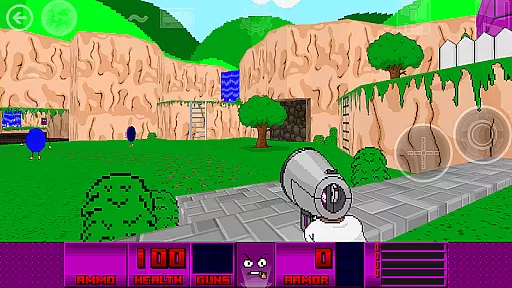
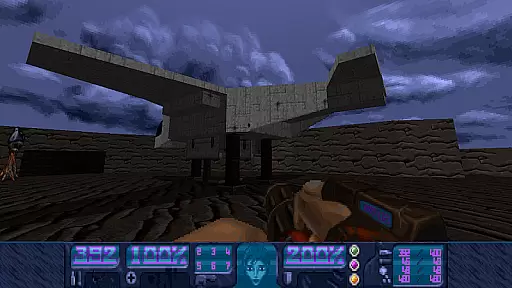
Delta Touch brings the power of ten distinct Doom engine source ports to Android, offering an unparalleled retro gaming experience. The app includes popular ports like GZDoom, Zandronum, Chocolate Doom, and even Dhewm3 for Doom 3 enthusiasts. Each port is optimized for mobile play with customizable touch controls, gamepad support, and advanced rendering options.
What sets Delta Touch apart is its versatility and depth. Players can enjoy thousands of community-made mods and levels, while features like gyroscopic aim assist and MIDI music support enhance gameplay. Whether you're a fan of classic Doom or looking to explore expansive mods like Brutal Doom, this app delivers a complete package for action gaming aficionados.
Ideal for both casual players and hardcore enthusiasts, Delta Touch ensures a smooth experience across various devices. While high-end devices are recommended for complex mods, the inclusion of FreeDoom data allows immediate playability right after installation. This makes it an essential app for any Doom engine enthusiast seeking authentic retro gaming on mobile.
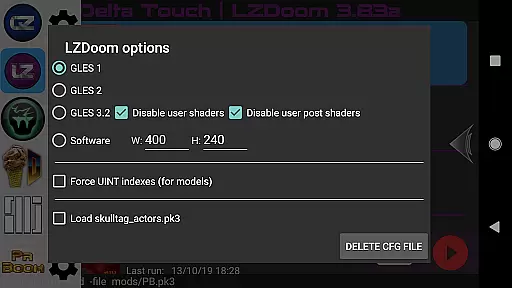
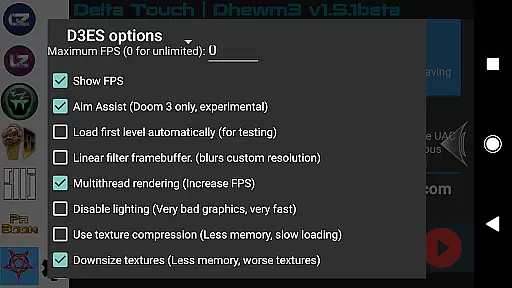
Delta Touch stands out with its comprehensive feature set tailored for Doom engine fans. The app supports ten different source ports, each with unique capabilities. For instance, GZDoom versions offer cutting-edge graphics and modding support, while Chocolate Doom provides a more authentic vanilla experience. Advanced ports like Dhewm3 bring Doom 3 to mobile with optimizations such as multithreaded rendering.
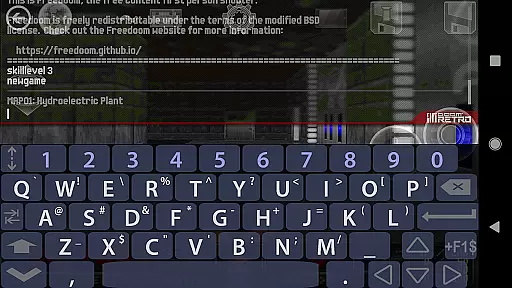
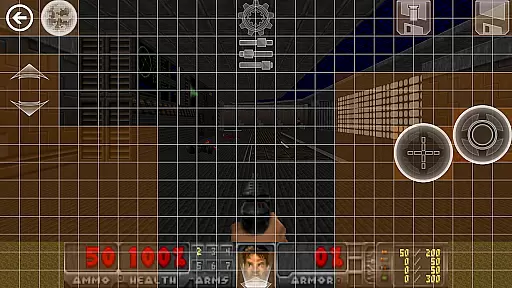
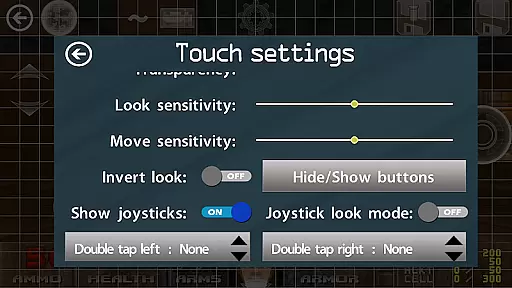
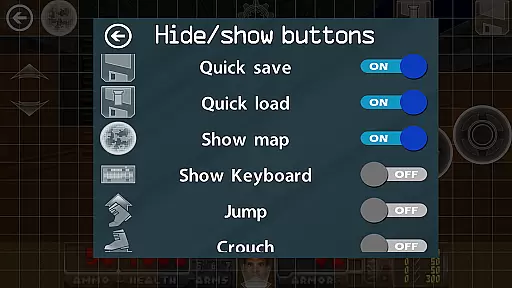
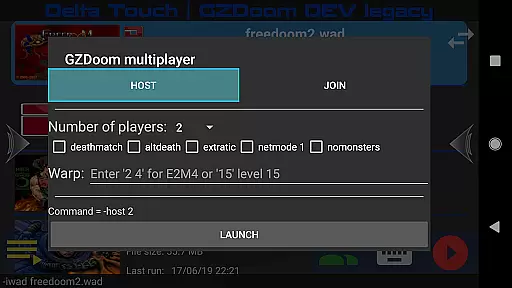
The customization options are extensive, featuring highly configurable touch screen controls, built-in keyboards for cheats, and eighteen custom buttons specifically for GZDoom mods. Players can save and load control layouts, access multiplayer modes, and utilize external mouse and keyboard support on compatible devices. These features ensure that every user can tailor their experience precisely to their preferences.
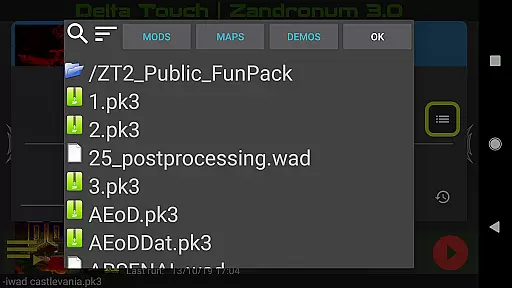
Additional innovations include gyroscopic aim assist, mod selection interfaces, and support for various game files including Doom, Hexen, Heretic, and Strife wads. The ability to download high-quality MIDI samples and import/export user settings further enhances the app's value. With full gamepad support and navigable UI via controllers, Delta Touch represents the pinnacle of mobile Doom engine gaming.
Control responsiveness and latency are crucial factors in action games like Delta Touch. The app ensures that every touch, swipe, or button press is registered instantly, providing a seamless experience.
Delta Touch offers highly customizable touch screen controls and full game-pad support, ensuring that players can configure the setup to match their playstyle. This customization extends to 18 custom buttons for GZDoom mods, enhancing gameplay depth.
The inclusion of gyro aim assist and mouse and keyboard support on compatible devices further refines control precision. These features collectively ensure that players can execute complex maneuvers with minimal delay.
By prioritizing low-latency input methods and offering various control schemes, Delta Touch caters to both casual gamers and competitive players seeking an edge in fast-paced Doom engine games.
Combat feedback tightness refers to how well the game communicates the impact of combat actions to the player. In Delta Touch, this aspect is meticulously crafted to enhance the visceral experience of playing Doom engine games.
The app supports thousands of community-made mods and levels, each delivering unique combat scenarios. With built-in keyboard access for cheats and console commands, players can fine-tune combat dynamics to suit their preferences.
Delta Touch also downloads MIDI and Fluidsynth samples for quality music, adding another layer of immersion during combat sequences. The sound effects coupled with responsive controls create a tight feedback loop that keeps players engaged.
Furthermore, the app's support for multiplayer modes in GZDoom and Chocolate Doom ensures that combat experiences remain dynamic and challenging, providing continuous feedback through interactions with other players.
User-friendly interface
Extensive customization
Versatile game support
Active developer support
Regular updates
High-end device required
Complex setup process
Large storage needs
Limited low-end performance
External wad files needed
Retro pixel war game! Destroy enemies and survive the chaos!
 4.2
4.2
A fun platform run game with thousands of traps and wow that push your limits
4.00
NEOGEO's masterpiece game is now available in the app!
3.90
Whack, smash, and toss the puppet! Let’s destroy the ragdoll in this funny game
4.40
Pure sniper shooter game. Stealth sniper mission & daily quest. Special force
4.60
Swing into action as a spider legend in an epic fighting adventure
4.60
ANSWER THE SNIPER CALL
4.10
Master shooting games as a hitman sniper in this ultimate action FPS
4.50
Choice of Over 1 Billion Players! Ultimate Battle Royale On Mobile!
4.30
Survive the Wild West: Bullet Hell Roguelite Action Awaits!
4.70
Play PSP games on your Android device, at high definition with extra features!
4.60
Welcome to the ultimate FNaF mashup!
4.60
The fast-paced FPS that changed gaming forever.
4.40
Step into cooking Games make tower burger and enjoy burger runner games for all
4.40
Race around the world!
4.30
A funny game with open world offline games and many Online multiplayer games
4.30
Collect & Survive
4.30
HOOK away with SPEED & STYLE! Jump, Swing, Fly! Let's Play fun Action Game!
4.20
Rockstar Games invades the schoolyard in Bully: Anniversary Edition.
3.90


User Reviews