
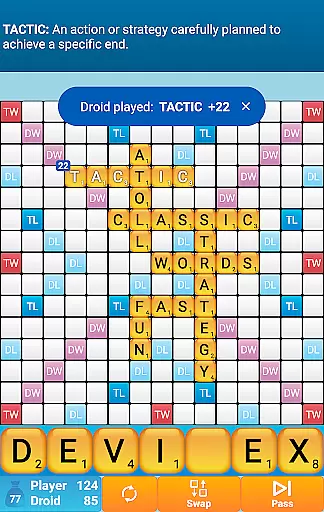
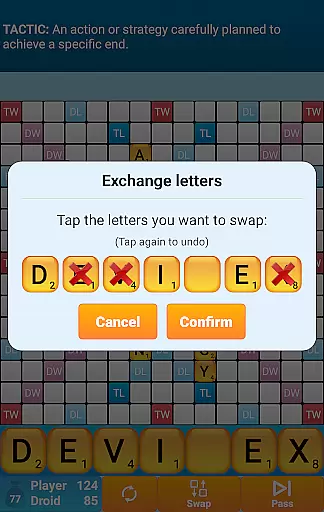
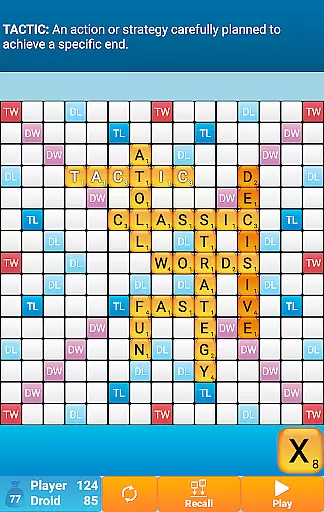
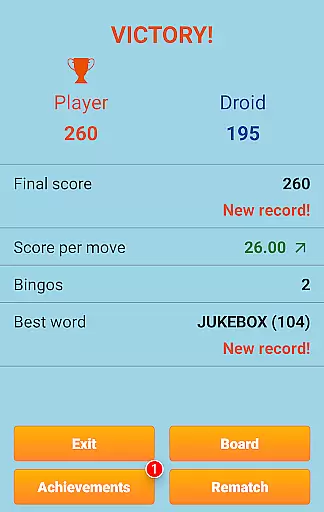
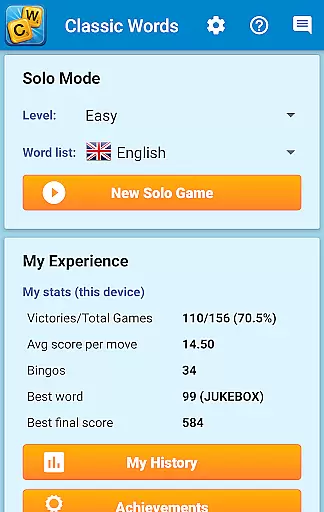
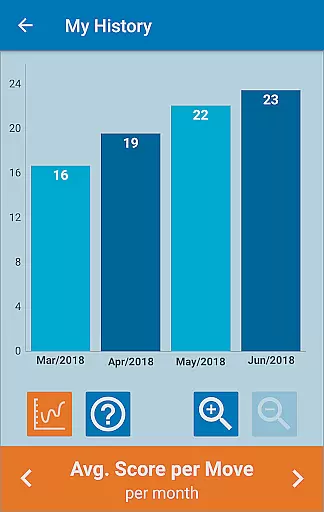
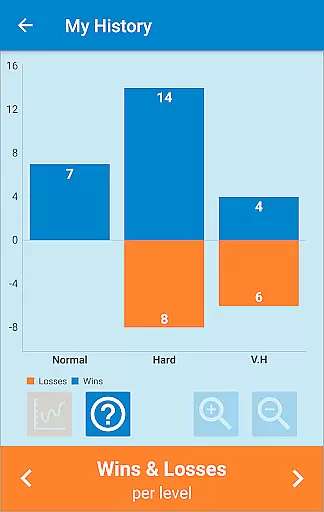
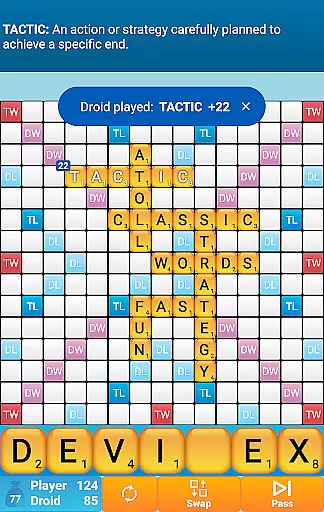
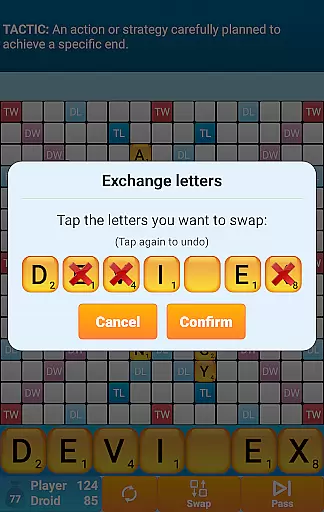
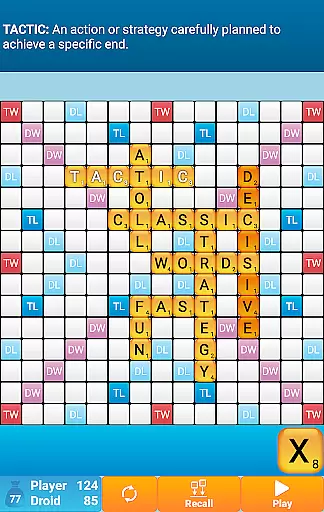
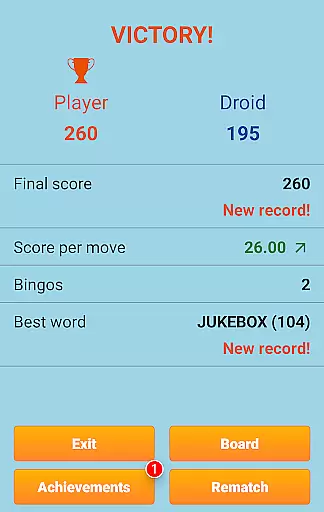
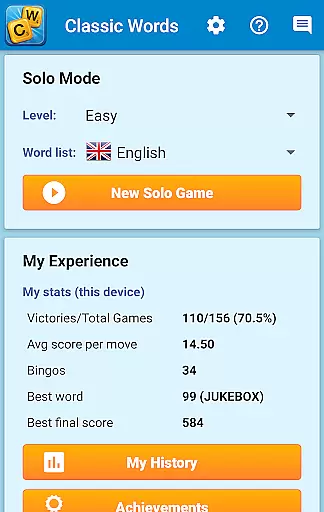
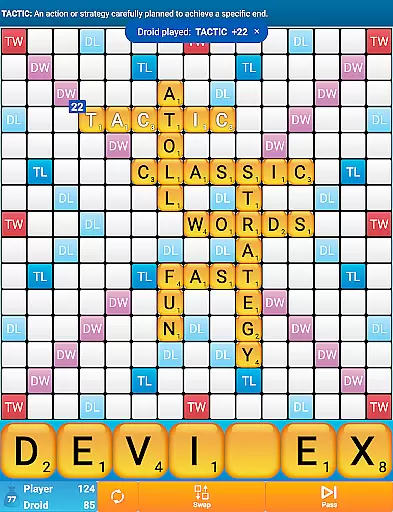
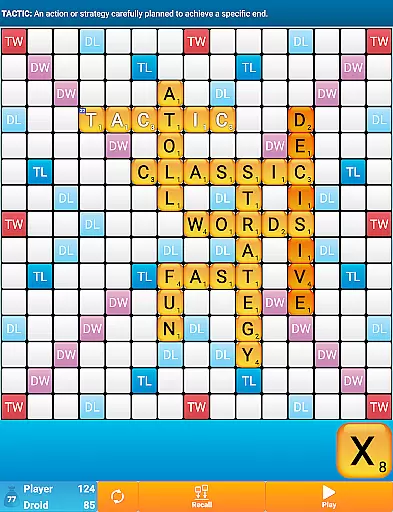
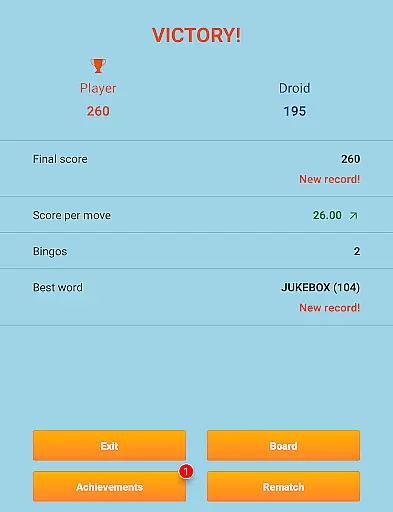
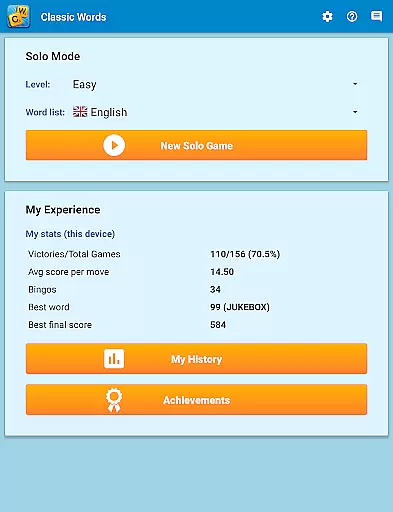
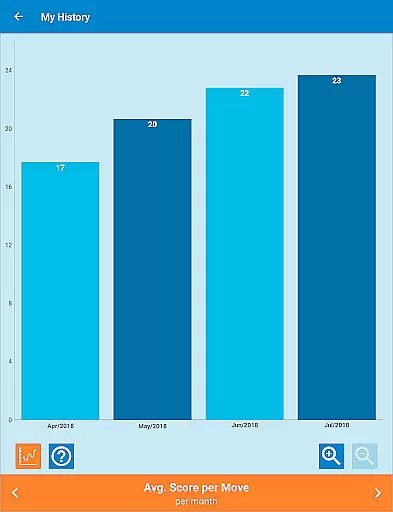
Classic Words Plus is a premium word game designed for solo play against your smartphone or tablet. This crossword-style board game offers an ad-free experience, making it perfect for uninterrupted gameplay. With 6 difficulty levels and support for multiple languages including English, Spanish, French, Italian, German, Dutch, and Polish, the app caters to both beginners and advanced players.
The game stands out with its unique features like the Teacher mode and Pass-and-Play functionality for two players on a single device. It helps users enrich their vocabulary through built-in word definitions and strategic gameplay. The absence of online multiplayer reduces waiting times, offering instant fun while challenging players to outsmart the smart AI opponent using strategy and word skills.
Classic Words Plus boasts several distinctive features that enhance the gaming experience. The smart AI provides a challenging opponent with varying skill levels, ensuring engaging matches every time. Players can display word definitions simply by swiping, which aids in learning new vocabulary while having fun.
Supporting offline play, this app allows users to enjoy the game without an internet connection. It includes language-specific adaptations such as official word lists used in tournaments (e.g., NASPA Word List 2020 for English). Each language's letter distribution and point system are tailored to provide an authentic experience. Additionally, the pass-and-play mode enables local multiplayer fun without requiring an online connection.
In Classic Words Plus, clue quality and clarity are paramount to ensuring an engaging and educational experience. The game provides clear definitions for words directly on the board by simply swiping them, enhancing understanding and learning.
This feature is crucial as it supports players in expanding their vocabulary while maintaining the integrity of solo play. With a built-in dictionary supporting multiple languages, including English with the latest NASPA Word List 2020, players can enrich their lexicon effortlessly.
Classic Words Plus ensures that each word's definition is easily accessible, promoting not only competitive play but also serving as an educational tool. This functionality aids players in grasping complex words and their meanings, which is essential for strategic gameplay.
The clarity of clues in this crossword-style game allows players at any level to enjoy the challenge without frustration, making it suitable for both beginners and tournament-level players seeking to refine their skills.
Classic Words Plus offers remarkable puzzle variety through its diverse language support and difficulty levels, catering to a wide range of preferences and skill sets. Players can choose from seven languages, including Spanish, French, and German, each adapted with specific letter distributions and points systems.
The game stands out with six distinct difficulty levels, allowing users to select a challenge that matches their expertise. Whether you're taking your first steps in crossword games or you're an experienced strategist, there's a level tailored for you.
With exclusive features such as the Teacher mode and pass-and-play for two players, Classic Words Plus extends its puzzle variety beyond traditional solo play. These options introduce new dynamics without compromising the ad-free experience cherished by enthusiasts.
Furthermore, the adaptive AI ensures that every match remains unpredictable and stimulating, contributing to the overall diversity of puzzles presented in Classic Words Plus. This keeps players engaged over time as they continually encounter fresh challenges.
Ad-free gameplay
Smart AI opponent
Offline play supported
Multiple languages available
Educational word definitions
No online multiplayer
Limited to solo play
Paid version only
Complex for beginners
Heavy on storage

Great Word Game with Friends!
 4.80
4.80
Dive into the fun word puzzle games for adults! Train your brain with word games
4.80
Who's the impostor? Give clues, bluff your way through - the perfect party game
4.90
Crossword puzzles for all ages- easy to hard. All offline!
4.90
Guess who is the Impostor and Mr White. Party game to play with friends. Fake it
4.80
101 offline games: words, puzzles, quizzes! Play, learn and compete!
4.70
260 professional cryptic crosswords to keep you pondering.
4.40
3000+ levels of word puzzles fun. Connect words, improve vocabulary, boost IQ!
4.60
Daily crossword puzzles for brain training! Master vocabulary with word games!
4.50
Solve crossword puzzles challenge your brain and expand your vocabulary
4.90
Looking for inspiration? Enjoy offline Bible word games and unlock daily verses.
4.80
Unleash your vocabulary in the world’s #1 word cross puzzle game!
4.70
The highly addictive fun word game.
4.70
Play Word Games & train your brain in Word Collect - Word Games Fun Word Games!
4.70
Relax and have fun with a combination of word games and solitaire!
4.60
Word Sort meets Solitaire!
4.50
Daily Word Search Puzzles
4.10
InWords is a word puzzle game where you list as many words as you can.
4.2
Word puzzles with cute bears to enjoy, just don’t let the bubble bee bother you!
4.3


User Reviews