

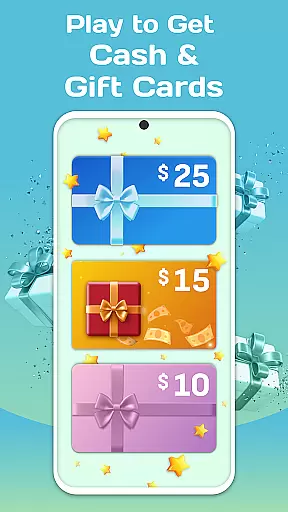
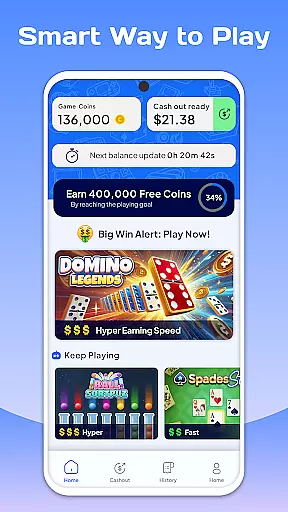
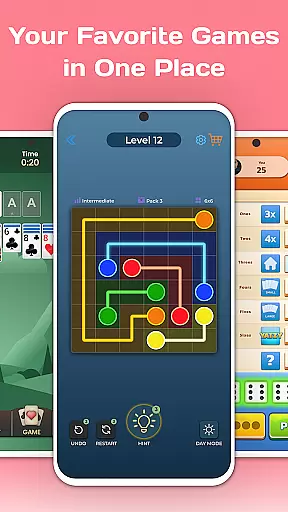
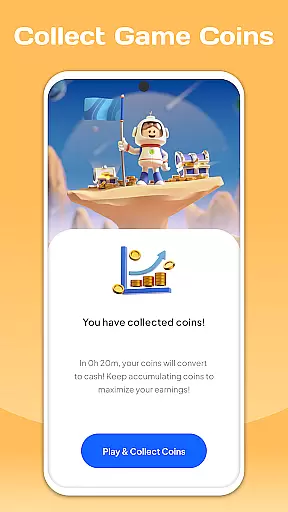
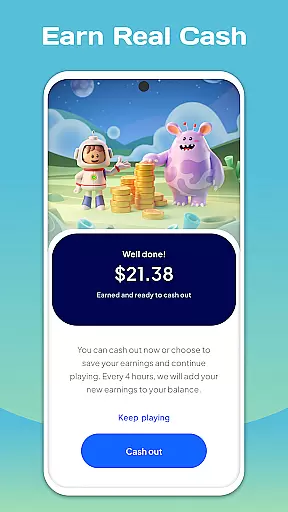

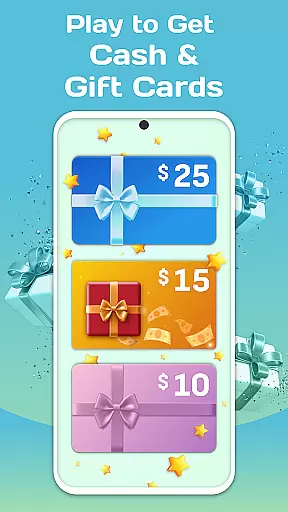
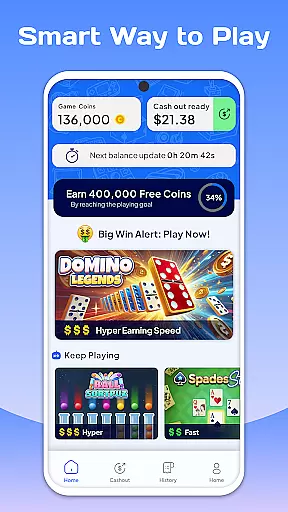
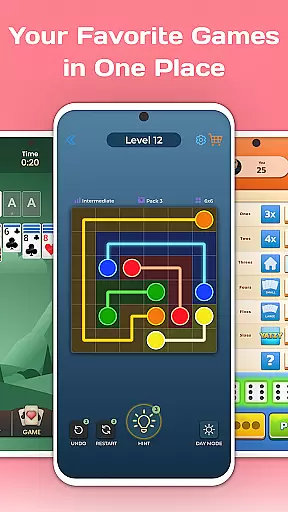
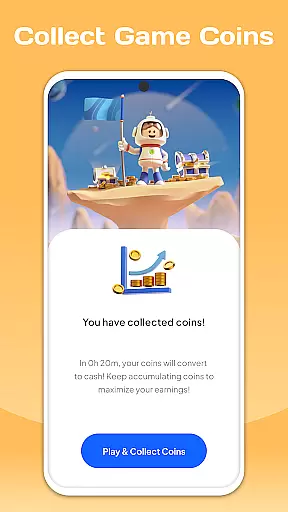
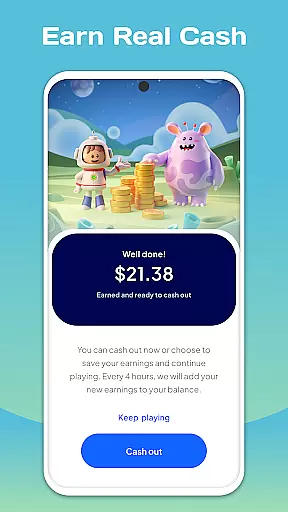

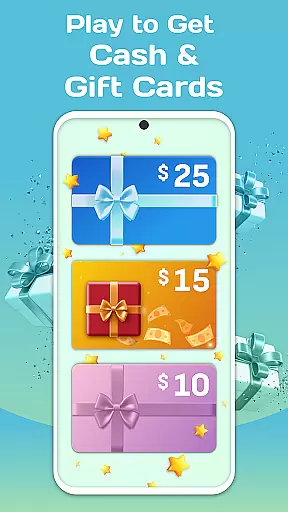
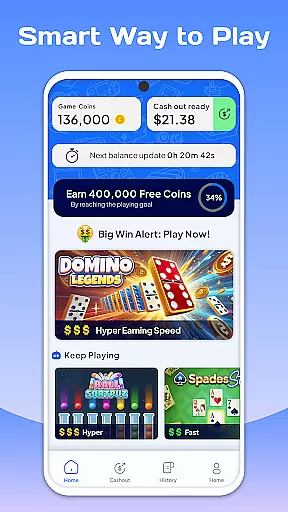
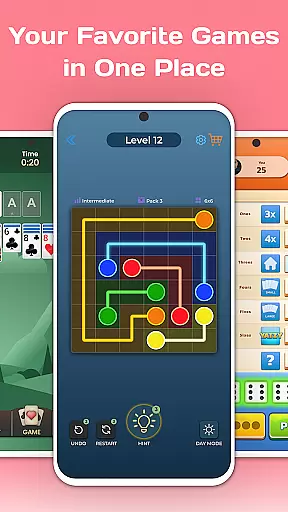
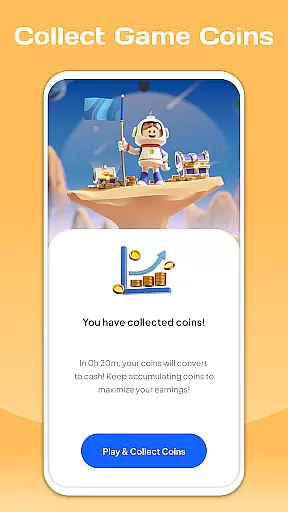
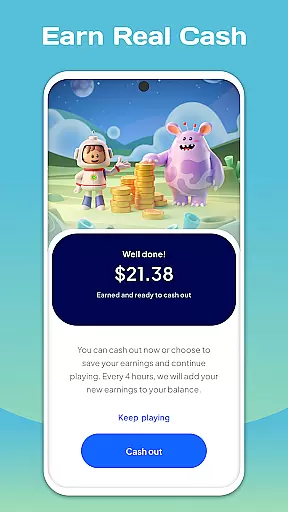

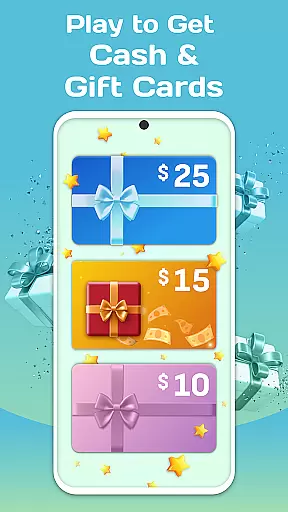
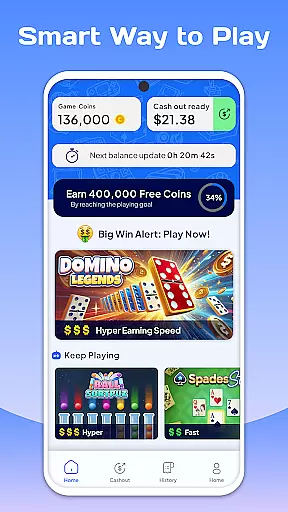
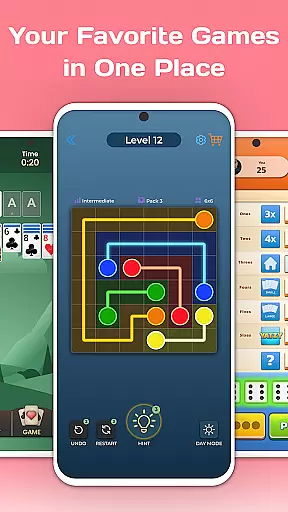
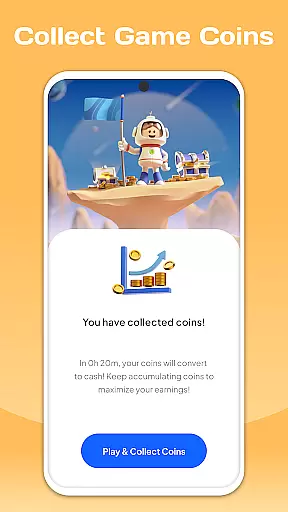
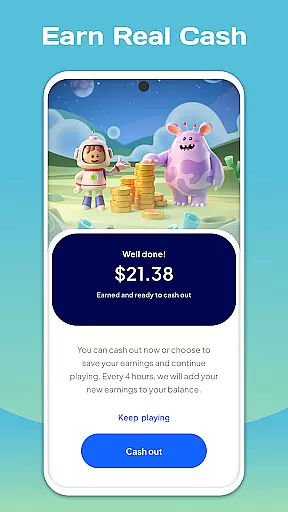
BESTPLAY Play to Earn & Donate is an innovative entertainment app that combines casual gaming with a rewarding experience. The platform offers users the opportunity to play a variety of games while earning coins, which can be redeemed for exciting prizes or donated to charitable causes. This unique approach not only entertains but also allows gamers to make a positive impact on society.
The app features a user-friendly interface where players can discover new games tailored to their preferences. With each game played, users accumulate coins that increase their potential rewards. BESTPLAY supports both individual enjoyment and community involvement by encouraging players to invite friends, maintain daily streaks for additional bonuses, and participate in socially responsible gaming practices.
Whether you're looking to enjoy top-rated casual games or seeking ways to contribute positively through gaming, BESTPLAY provides an engaging solution. By turning gameplay into real-world benefits, it sets a new standard for interactive entertainment within the Google Play Store.
One of the standout features of BESTPLAY is its ability to recommend fresh games personalized for each user. This ensures that players are constantly engaged with content that suits their interests. As users explore these diverse gaming options, they earn coins, adding an extra layer of excitement and motivation to continue playing.
In addition to earning rewards, BESTPLAY allows players to redeem their points for awesome prizes or donate them to support good causes. This dual-purpose system empowers users not just to enjoy themselves but also to give back to the community. The app further incentivizes participation by offering weekly coin bonuses for maintaining daily streaks and inviting friends to join in on the fun.
By integrating social responsibility into gaming, BESTPLAY creates a thriving community where players can enjoy themselves while making a difference. Its mission-driven approach encourages responsible gaming habits and fosters a sense of accomplishment beyond mere entertainment, setting it apart from traditional gaming apps available on the market today.
In the realm of digital entertainment, maintaining a diverse and fresh array of content is paramount. BESTPLAY Play to earn & donate excels in this area by offering a dynamic selection of casual games tailored to individual preferences. This ensures that every user can find something that resonates with their personal gaming style.
The platform's recommendation engine works tirelessly to introduce players to new games regularly. By analyzing gaming habits and preferences, it curates a personalized list of games that are updated frequently. This constant influx of fresh content keeps the gaming experience exciting and engaging for the users.
Moreover, the ability to earn rewards while exploring these varied gaming options adds an extra layer of motivation for players. The seamless integration of earning opportunities within different game genres encourages continuous exploration and engagement with new titles.
Ultimately, BESTPLAY's commitment to content variety and freshness not only enhances user satisfaction but also fosters a vibrant community of gamers who are eager to explore, play, and contribute to social causes through their gameplay.
User engagement duration and retention are critical metrics for any entertainment platform, and BESTPLAY Play to earn & donate has implemented several features to boost these aspects. One of the key elements is the reward system that incentivizes prolonged play sessions and regular returns to the app.
By allowing users to earn coins and redeem them for rewards or donations, BESTPLAY creates a compelling reason for players to extend their gaming sessions. The more time spent playing, the more opportunities there are to accumulate coins, which in turn increases the potential for valuable exchanges.
Additionally, the feature of maintaining a daily streak for weekly coin bonuses plays a significant role in retention. This encourages users to make playing a habitual part of their routine, ensuring they return to the app consistently to maintain their streaks and receive their bonuses.
Through these strategic features, BESTPLAY effectively captures the interest of its users, promoting longer engagement durations and enhancing retention rates, which are essential for sustaining an active and growing user base in the competitive landscape of mobile entertainment.
User-friendly interface
Variety of games
Rewarding experience
Charitable donations option
Community engagement
Limited game genres
Potential reward delays
High user expectations
Dependent on internet
New platform risks

Ultimate VR movie player for android mobile videos
 4.3
4.3
Binge-worthy short dramas on DramaRush—engaging stories that fit your day.
3.90
A wonderful collection of the most beautiful sounds of animals and birds
4.5
Stream Movies & TV Series: Original Shows, Family Movies & New Releases Weekly
4.60
Fun brain twisting challenge with trending Whirlpool Filter.
4.70
Stream Live TV, News & Documentaries. Watch Full Seasons with PBS Passport.
4.80
Your choice of 350+ networks plus movies and full TV series on-demand.
3.70
Fetch money rewards all just for playing games. Cash out for gift cards in app.
4.50
Hand-drawn, cartoon OC creator - original character creator
4.70
Exclusive creator communities
4.70
Premium version to enjoy your favorite anime
4.60
Your Avatar, Endless Fun
4.60
Underrated short-drama gems that hit hard and keep your heart hooked.
4.50
Official KennysGifs Stickers
4.20
A companion app for the game Elite Dangerous
4.10
Experience the video editing experience brought by our intuitive interface
4.10
Connect. Discover. Control.
3.60
NFL, NBA, NHL, MLB, local sports coverage, shows, movies & news!
3.20
Stream videos to VIDAA & VEWD TVs from Hisense, Sharp, Skyworth, Vestel & TiVo
3.00


User Reviews