
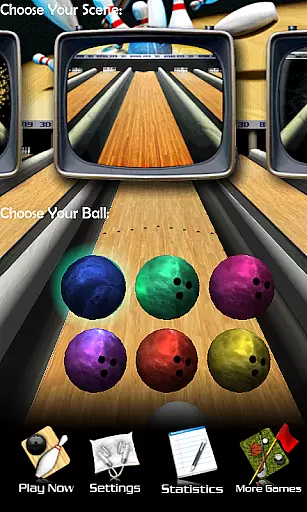
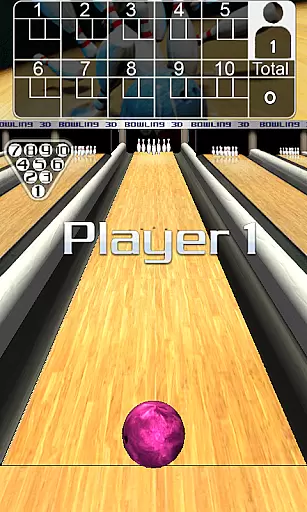
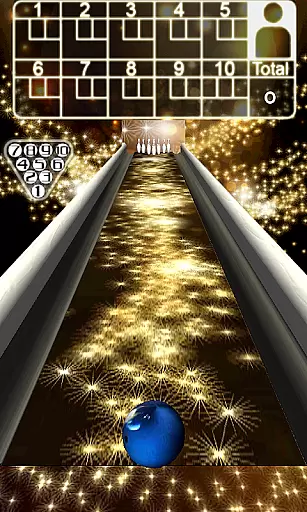
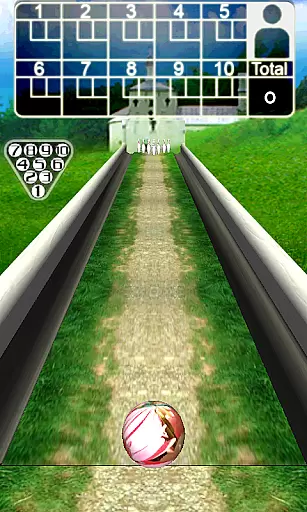
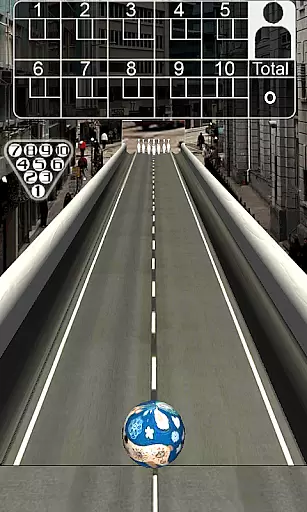
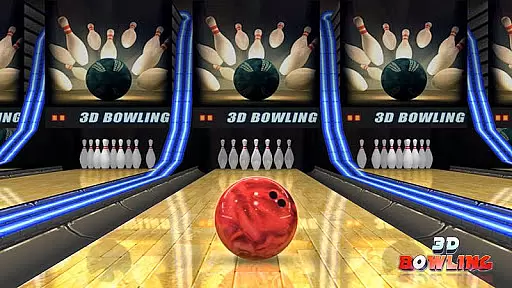
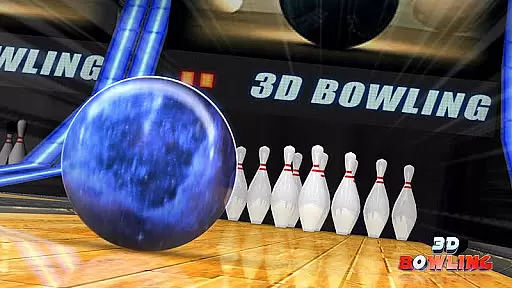
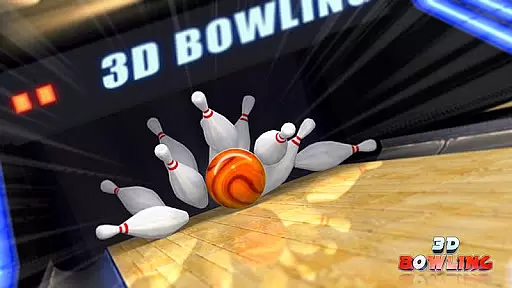
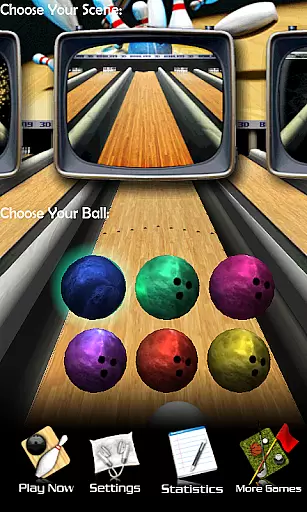
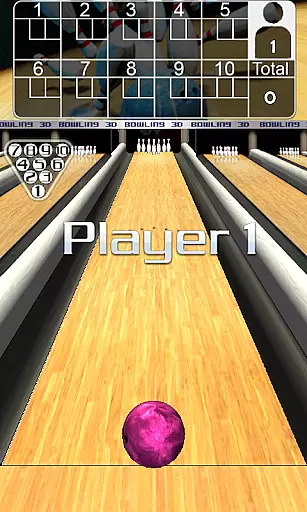
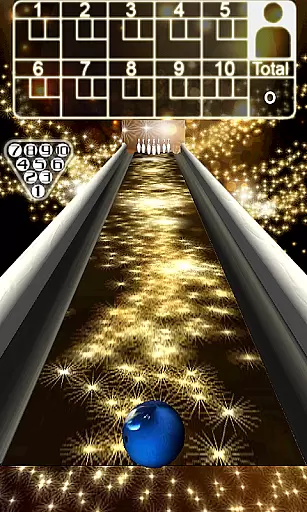
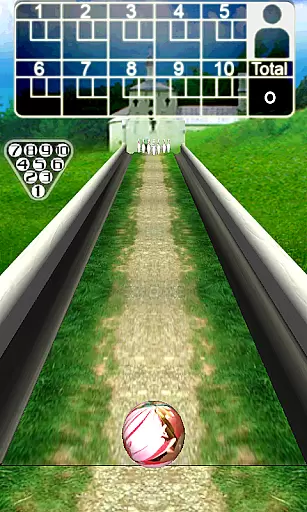
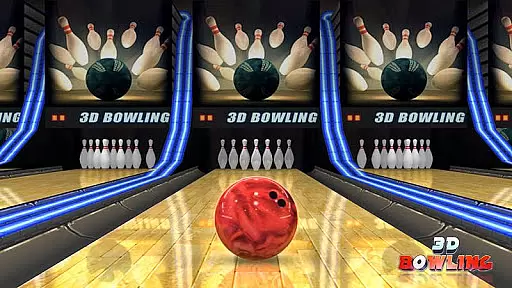
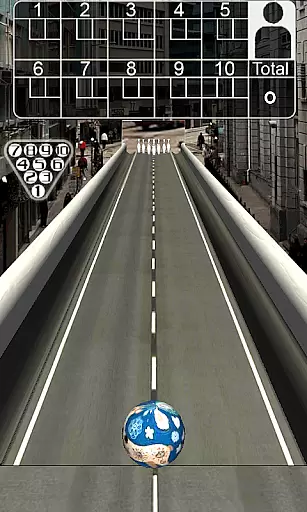
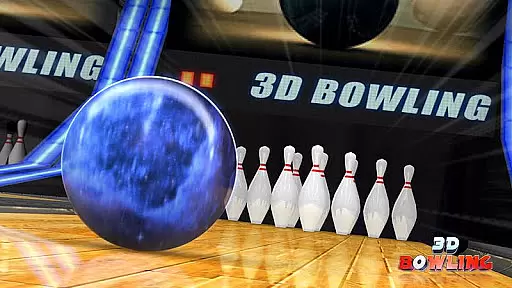
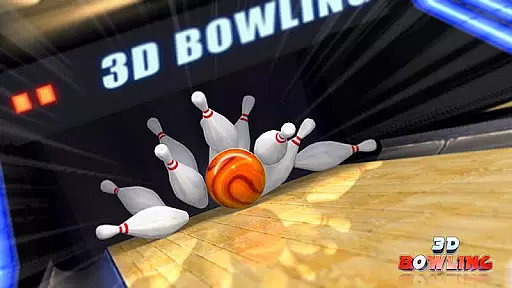
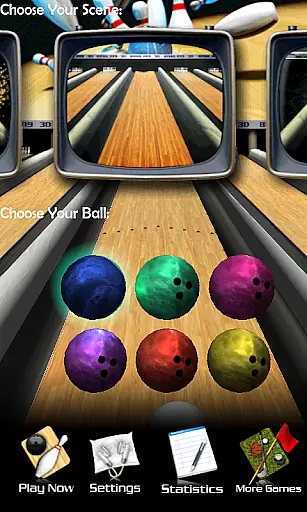
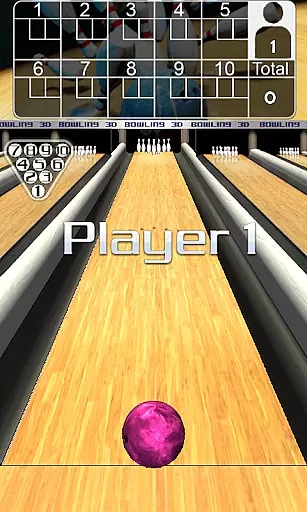
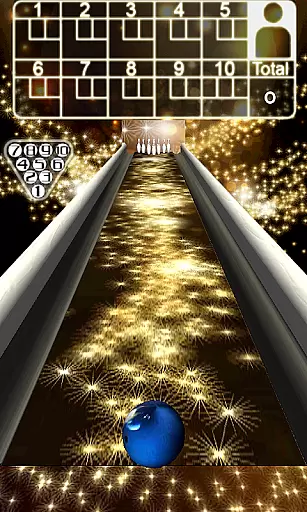
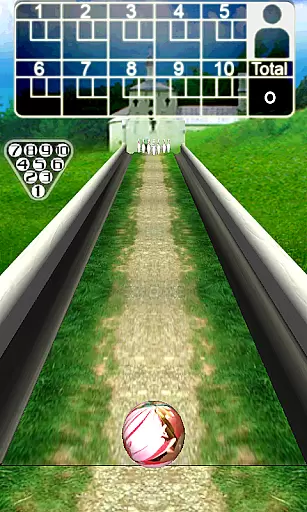
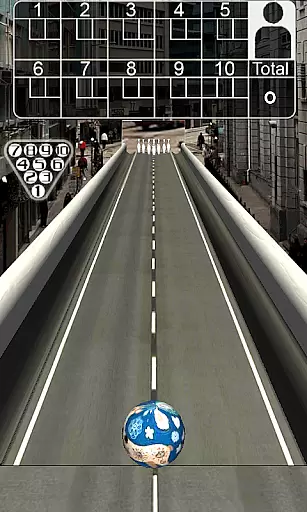
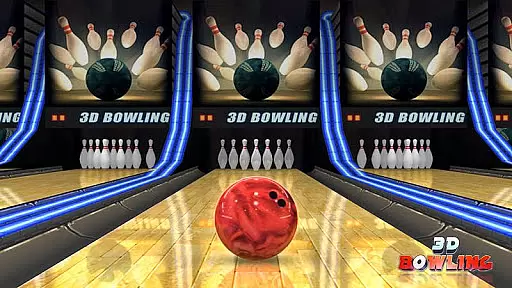
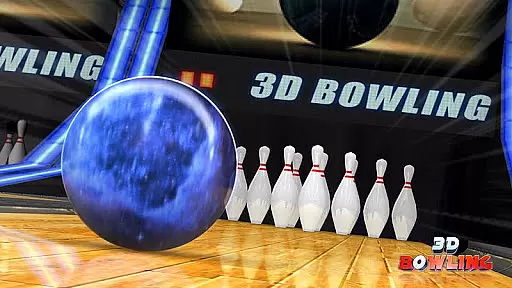
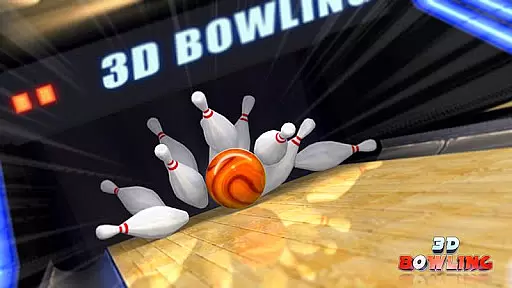
3D Bowling delivers the most realistic bowling experience available on Android devices, featuring advanced 3D graphics and an innovative physics engine. The game offers players five unique bowling environments with multiple ball options in each scene.
Track detailed statistics of your performance while enjoying the intuitive controls that allow flick-based throws and curve gestures for hook shots. Compete to become the world's top virtual bowler by attempting to score consecutive strikes.
This sports game stands out through its use of cutting-edge 3D technology, providing stunning visuals and realistic pin interactions powered by a state-of-the-art physics engine. Players can choose from various scenes, each offering different challenges and multiple bowling ball designs.
The game supports stat tracking, allowing users to monitor their progress over time. Its easy-to-learn controls make it accessible for all skill levels while retaining depth for competitive play. With online leaderboards, you can compare scores globally, adding replay value.
3D Bowling stands out for its advanced 3D physics engine, which delivers an unparalleled level of realism in pin action. The game meticulously simulates the real-world physics of bowling, ensuring that every roll, collision, and pin scatter is true to life.
Players will appreciate the attention to detail in the ball's movement and interaction with the lane. Whether it's a straight throw or a curved hook shot, the physics engine accurately calculates speed, spin, and trajectory, providing a genuine bowling experience.
This commitment to realistic gameplay not only enhances the fun factor but also helps players improve their skills by responding authentically to different strategies and techniques. With multiple bowling balls and scenes, each playthrough offers a unique yet lifelike challenge.
The control scheme in 3D Bowling is designed for intuitive and seamless interaction, allowing players to focus on their game rather than complex mechanics. By simply dragging the ball left or right, users can position their throw with precision, making the game accessible to both beginners and seasoned players.
Flicking the ball with a finger to bowl adds a tactile dimension to the gameplay, closely mimicking the motion of a real bowling throw. This natural gesture-based control ensures that players can easily execute their desired shots without any steep learning curve.
Additionally, the ability to create curve shots through screen gestures introduces strategic depth while maintaining simplicity. Such intuitive controls contribute significantly to an immersive experience, letting players concentrate on achieving those perfect strikes and enjoying the game.
Realistic 3D graphics
Innovative physics engine
Multiple bowling scenes
Intuitive gesture controls
Detailed stats tracking
Limited to single-player
No offline multiplayer mode
Occasional performance lags
Few customization options
Ads may disrupt gameplay

Trampoline backflips, frontflips & trick stunts! Ultimate adrenaline rush!
 4.60
4.60
Old-School Football
4.40
Challenging 1vs1 online matches! Strike, score, and be a soccer champion!
4.40
Raise your duckling into a champion racer in this addictive pet & adventure game
3.90
Pixel Cup Soccer is a retro-style arcade game, just the fun part of soccer!
4.00
Play the 3 classic Duck Life games like you've never seen them before!
4.10
Out of the Park Baseball Go is a strategy & sports gaming fan’s dream come true.
4.40
Ride, flip, and perform crazy stunts in an open BMX freestyle playground!
4.80
Gym Calendar & check-in for Buckeye Pole Vault Academy athletes, parents & admin
4.2
Soccer mini games! Play career mode: Score & be the next soccer superstar!
4.70
Create your Ultimate NBA Team and experience realistic 2K Gameplay on Mobile!
4.70
Feel combo thrills in Challenge! Aim, strategize, and master your billiard skill
4.60
Let's play catch and throwing game!
4.60
Master the arrow art in archer duels
4.50
Be a wrestling Superstar
4.40
Try your hand at managing an auto racing team!
4.30
A classic reborn, now into Season 3!
4.00
Rediscover the joy of the original Backyard Baseball 1997
3.70
Pro Freestyle Football
3.20


User Reviews